Photold
How to Restore a Photo of a Loved One Who Has Passed Away
By the Photold team · · 6 min read
To restore a photo of someone who has died, start from the best copy you can find, repair the damage with a gentle tool rather than a creative one, ask someone who knew them whether it still looks like them, and then print it. A photo that looks like them matters more than a technically clean one.
You may be doing this with little time and a lot else on your mind. If a service is close, the short version below is enough. The rest is here if you have more time.
If the service is soon: the short version
- Ask one or two relatives which photo looks most like the person. Ask for the print if they have it, not a forwarded copy.
- Copy the print with a scanner, or with a phone held parallel to it in soft daylight.
- Run one gentle repair, such as Restore in Photold. Skip creative effects.
- Send the before and after to someone who knew the person, and ask if it looks like them.
- Ask a local print shop what size of file it needs and how soon it can print. Order early enough to allow a second try.
- If anything goes wrong, print the unrepaired copy. A worn photo in a frame is still a good photo of them.
Choosing the photo: the person first, the quality second
The right photo shows them as people remember them: that expression, those glasses, roughly that age. A worn print with the right smile beats a sharp one where they look tired or stiff. Once you know which picture you want, try to find its best version.
| Source | What you get | What to do |
|---|---|---|
| The print itself | All the detail there is | Copy it with a scanner or phone |
| The full-size file from the phone or camera that took it | Every pixel it recorded | Ask the owner to send the file itself, by email or a shared link |
| A copy from a chat app or social media | Smaller and compressed, with detail lost | Use it if it is all you have, and ask who holds the source |
It is worth one message to the wider family before you settle. A cousin or old friend may hold the print, or a better photo you have never seen.
Cropping one face from a group photo
Often the best likeness is in a group photo. You can crop it, but every crop throws pixels away. Crop a 1200 × 1800 px scan to a quarter of its width and height and you keep one sixteenth of the pixels: 300 × 450 px. At 300 ppi, that prints at about 2.5 × 3.8 cm / 1 × 1.5 in. Blown up to frame size, the face will be soft, and an AI tool will have to guess at much of it, which puts the likeness at risk.
- Go back to the print if you can. A small area is the case for scanning higher than the usual 300 dpi starting point. At 600 dpi, the same crop gives 600 × 900 px, which prints at about 5 × 7.6 cm / 2 × 3 in. There is a limit, since a print only holds so much detail.
- Crop loosely. Keep head and shoulders rather than a tight oval around the face.
- Try the repair both ways. Repair the whole photo and then crop, and crop first and then repair. Keep whichever looks more like them.
- Leave the hand on the shoulder. An arm from someone cropped out is not a flaw. It is part of the picture.
When you have chosen the photo, you can see what a gentle repair does to it before you decide anything.Try Photold
Use repair tools, not creative ones
For a memorial photo, the aim is to keep the person as they were. Restore is built for that: it repairs scratches, creases, tears and stains and does not crop, restage, or change faces, expressions or skin tone by design. Remove Scratches is the same physical repair without sharpening, for a photo that is already clear. HD Enhance helps a soft photo you plan to print, and must not change identity or complexion. One of these is usually enough. Results still vary with the source, and fine detail hidden by damage is reconstructed, not recovered.
Leave aside tools that imagine something new, such as Younger You or Time Travel.
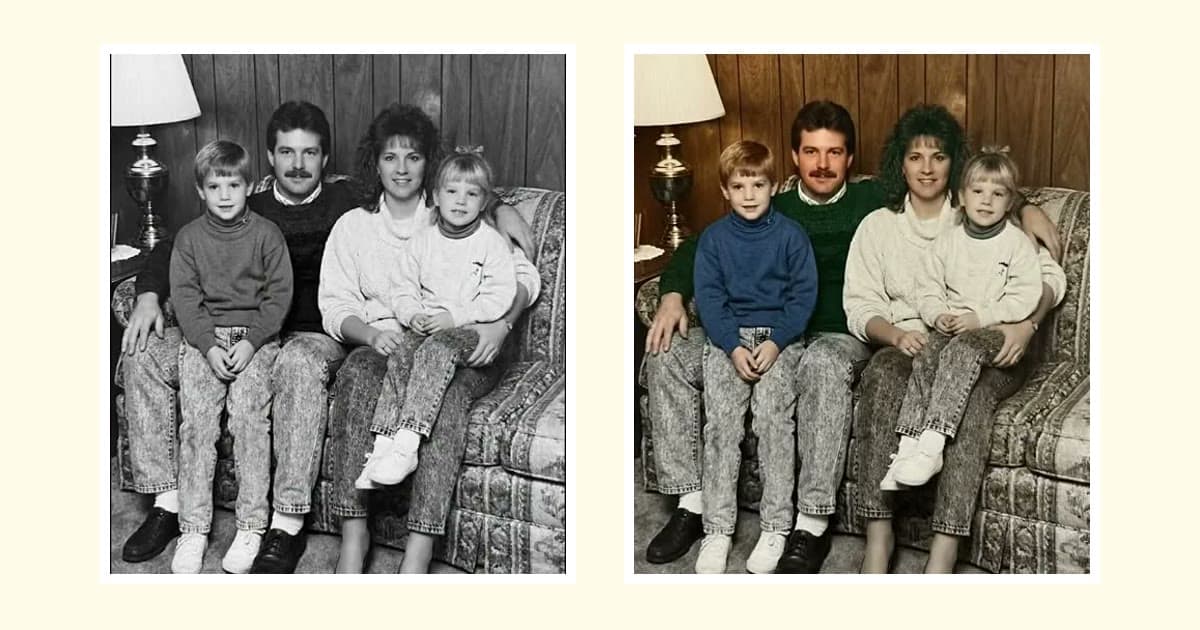
Colorize needs a little thought. Its colors are plausible, not a record, and family will notice if her eyes or his hair come out wrong. For a service, the black-and-white version is a safe choice.
Let the family judge the likeness
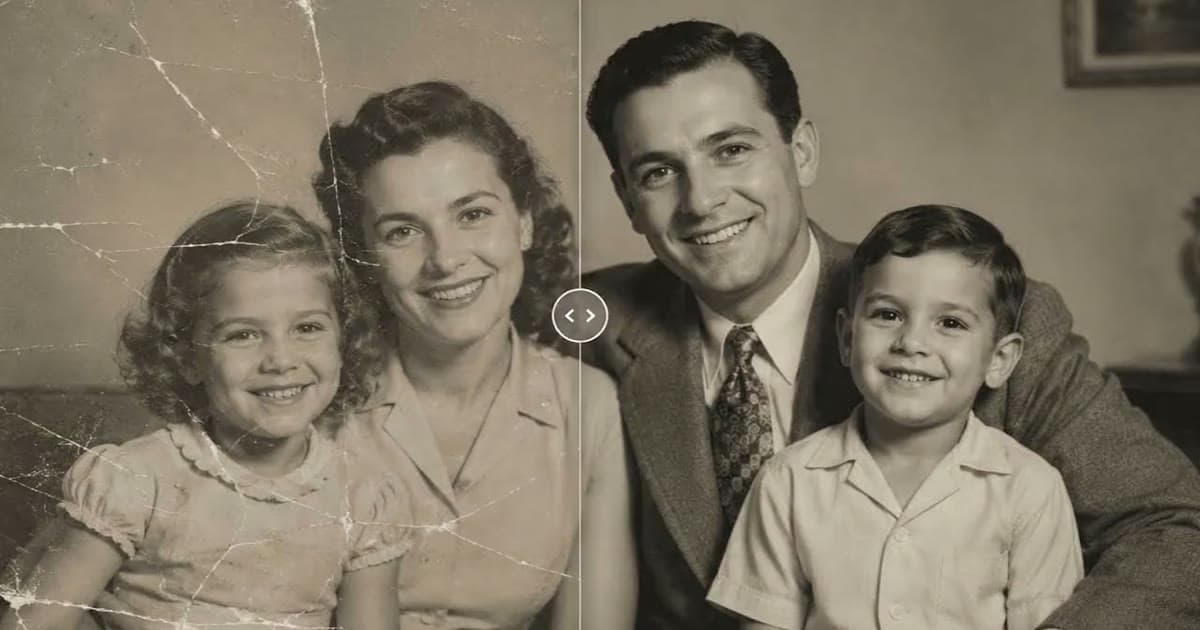
You cannot judge this by how clean the photo looks. A person who knew them is the best judge. Send the before and after side by side and ask "does this look like him?" rather than "do you like it?". Point them to the eyes, the mouth, the teeth, and any mole or scar.
If someone hesitates, believe them. Go back to a lighter repair, or use the unrepaired copy. Our article on whether AI restoration changes faces explains what can go wrong. If living relatives are in the picture, ask them before you upload it.
Printing for a service or for home
At 300 ppi, a 20 × 25 cm / 8 × 10 in print needs 2400 × 3000 px, and a crop from a group photo may not reach that. A frame on a table is seen from a few steps away, which forgives some softness. If it still falls short, print smaller and use a wide mat in the same frame. Our guide to enhancing old photos for printing has the arithmetic. If time allows, order one small test print first, and consider extra copies for close family.
Animating a photo of someone who has died is a personal choice
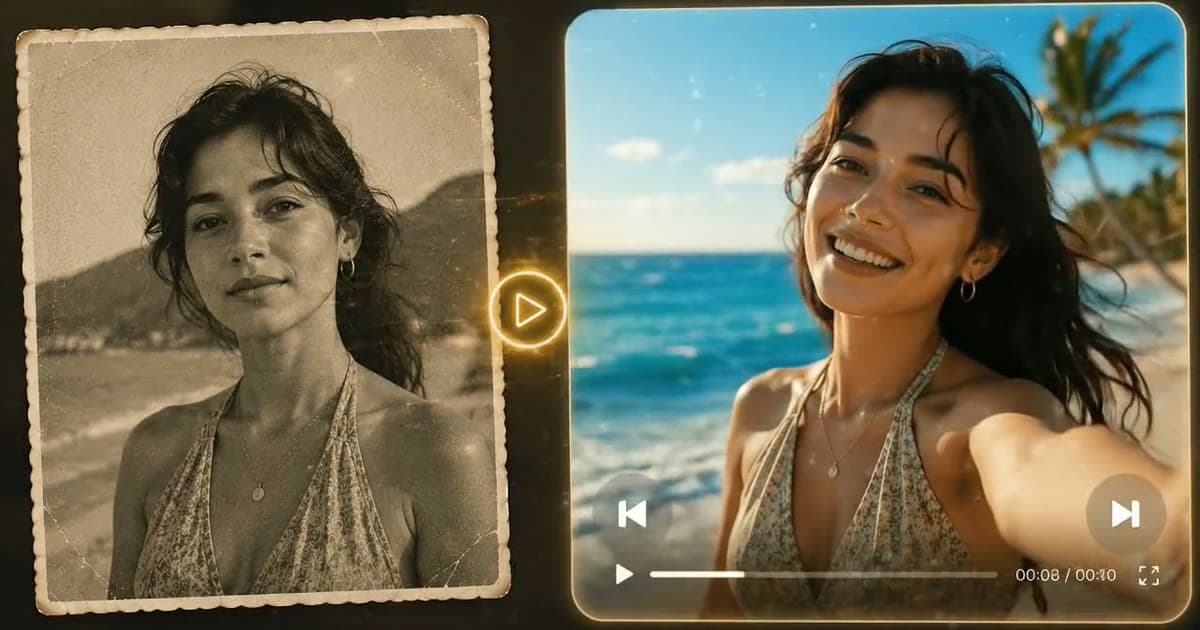
There is no right answer here. Some people find it moving to see a late parent or grandparent smile or nod, and others find it unsettling. The same family can hold both views. Animate turns a still into a short video with gentle motion, if you want to see it for yourself. If you make one, you may want to ask before showing it to others. The still photo is complete without it.
Frequently asked questions
How quickly can I restore a photo before a funeral?
The repair itself is usually quick with an AI tool. Finding the best source, getting a relative to check it and printing take longer, so ask the print shop about timing first and allow for a second print.
What if the only photo of them is small or blurry?
Try a gentle repair, then print it small, where softness matters less. Ask the wider family too, since a relative or friend may hold the print or a better copy.
Will restoring a photo change how the person looks?
It should not, and Photold's Restore does not change faces by design, but fine detail hidden by damage is reconstructed, not recovered. Ask someone who knew the person to compare both versions side by side.