Photold
Is It Safe to Upload Family Photos to AI Photo Apps?
By the Photold team · · 5 min read
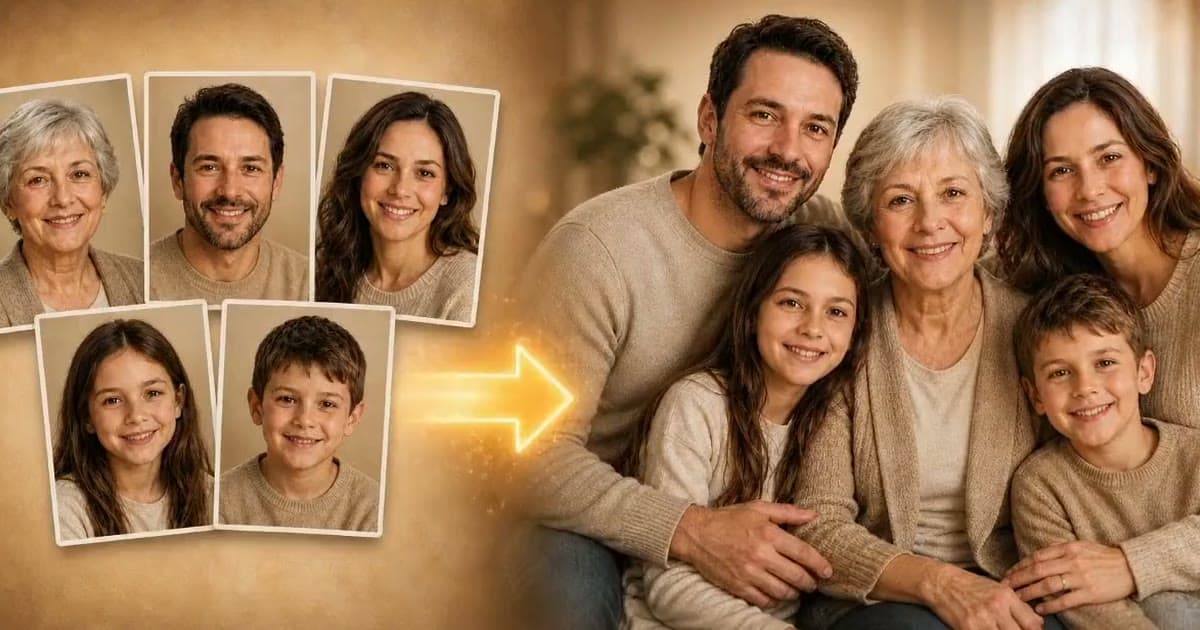
Photold is our own app, so we are not neutral here. What we say about other apps comes from their own public pages, checked on the date shown.
It can be, if the service is clear about what it does and you are comfortable with it. No online service is risk-free, so the useful question is what happens to your photo and whether the company states it plainly. Most AI photo apps process your image on remote servers, often through other companies, so a photo does leave your phone.
We make Photold, so we have an obvious interest. Below is a checklist you can apply to any app, including ours, and then our own answers, taken from our privacy policy.
What happens when you upload a photo
- The image is sent from your device to the company's servers.
- It usually goes on to an AI provider, which may be another company.
- A result is generated and sent back to you.
- The input and the result may be stored for a period, or in your account.
Each step is a question a good privacy policy answers.
Seven questions to ask about any app
| Question | What a good answer looks like |
|---|---|
| How long are uploads kept? | A stated time, not only "as needed" |
| Who else processes the photo? | Providers are named |
| Are photos used to train AI? | A clear statement either way |
| Can I delete my data? | A clear way to do it, ideally inside the app |
| Is location data removed? | Says what happens to EXIF metadata |
| Are personal data sold? | A direct statement |
| Who is the company? | A legal name and a contact address |
Vague is a warning sign. "100% safe" tells you less than "deleted within 24 hours". Look for the specific sentence in the policy rather than the claim on the home page.
What other services publish
Policies differ, which is why reading them matters. As examples from November 2026: Fotor's restoration page states that uploads are automatically deleted within 24 hours and are not used to train public models. Renew's website policy says uploads are deleted in accordance with its operational retention practices, unless you ask for storage, without giving a number of days. Always check the current version, as these can change.
What we do at Photold
This is a summary of our privacy policy, which is the version that counts.
- Who processes it: the image goes through our servers to our AI providers, Google (Gemini API) and eachlabs, which may run models of other providers.
- In the app: images sent to eachlabs are deleted once the result is ready, at the latest within about two hours. Google handles requests under its Gemini API terms.
- Your library: photos you save to your Photold library are stored on your device and in our cloud storage, linked to your account, so they survive a reinstall. Location metadata is removed from them.
- The free try on our website: photos are kept for up to 30 days, and are not added to a library.
- Training and selling: we do not use your photos to train AI models, and we do not sell your personal data for money.
- Deleting: Settings → Delete my data in the app deletes your account and the data linked to it.
Read the policy first, then try Photold on a photo you are comfortable with.Try Photold
Photos of other people
Family photos usually show other people, including children and relatives who cannot be asked. Our terms ask you to upload only photos you have the right to use, and photos of other people only with their permission. A simple habit is to ask living relatives before uploading their pictures, particularly for creative tools that produce new images of them. Take extra care with photos of children.
How to lower your risk
- Crop first when only one person in a group photo needs fixing, so you upload only what you need.
- Start with one photo rather than a whole album until you trust a service.
- Avoid sensitive images, such as photos with ID documents, addresses or medical details visible.
- Keep your original scan on your own storage, with your own backups, rather than relying on any app as your archive.
- Delete what you no longer need from a service once you have the result.
For a comparison of the main apps, see the best photo restoration apps. If you prefer not to upload anything, you can still repair small flaws by hand on your own computer.
Frequently asked questions
Do AI photo apps use my photos to train their models?
It varies, so check each policy. Photold does not use your photos to train AI models. Some services state their position on their restoration pages, while others only cover it in the full policy.
Can I restore a photo without uploading it anywhere?
Yes. Manual editing with clone and healing tools on your own computer needs no upload. Some desktop software also offers on-device AI modes, so check its documentation.
How do I delete my photos from Photold?
Use Settings → Delete my data in the app. It permanently deletes your account and the data linked to it, apart from records the law requires us to keep, such as purchase and tax records.
Is it legal to upload photos of relatives?
Rules differ by country and we cannot give legal advice. As a practical matter, ask for permission where you can, and be particularly careful with photos of children.