Best AI Calorie Counter Apps: Who Charges for Photo Logging
By the DietX team · Updated · 7 min read
9 of the 10 calorie apps we compared list AI photo logging, but you usually pay for it. SnapCalorie is the one AI calorie counter here that clearly offers it free, saying its "core features are completely free." MyFitnessPal, Lose It!, Cronometer and Cal AI need a paid plan, DietX (the app we make) is subscription-based too, and YAZIO, Lifesum and fatsecret don't state the tier.
An AI calorie counter estimates calories and macros (protein, carbs and fat) from a photo, a spoken sentence or a typed description. Below you'll find who offers what, what it costs, why no one can say which is most accurate, and a seven-day test you can run yourself.
Which AI calorie trackers log from a photo?
| App | Photo | Voice or text | Barcode | Is the photo feature free? |
|---|---|---|---|---|
| SnapCalorie | Yes | Voice notes | Label scanner; barcode not stated | Yes, under its free core features |
| DietX (ours) | Yes | Voice and text | Yes | No; free trial, then Premium |
| Cal AI | Yes | Describe a meal; voice not stated | Yes | No; results need a subscription, 3-day trial |
| MyFitnessPal | Meal Scan | Voice Log | Yes | No; all three are Premium only |
| Lose It! | Yes | AI Voice | Yes | No; all three need Premium |
| Cronometer | Yes | Yes; text search is free | Yes, free | No; photo and voice are Gold only |
| YAZIO | AI photo tracking | Not stated | Listed under the free tracker | Tier not stated |
| Lifesum | Yes | Voice and text | Yes | Tier not stated |
| fatsecret | Image recognition | Not stated | Yes | Tier not stated |
| MacroFactor | Meal photos not stated; AI label scanning and recipe import | Not stated | Yes | No free plan; 7-day trial |
"Tier not stated" means the app's pages don't say whether the feature is free or paid. You can settle it in a minute: install the app and try one photo before you enter card details.
What a photo calorie counter costs
These are the plans that include photo logging where a yearly and monthly price are both listed on the US App Store.
| App | Per year | Per month |
|---|---|---|
| SnapCalorie | $0 for core features; Premium $149 | Premium $19.99 |
| DietX | $17.99 to $29.99 | $5.99 to $11.99 |
| Cronometer Gold | $59.99 | $10.99 |
| MyFitnessPal Premium | $79.99 | $19.99 |
A few listings don't fit that table. Lose It! lists Premium from $9.99 to $79.99. Cal AI lists in-app purchases from $2.99 to $29.99, with plan names not shown, so we can't tell you its yearly cost. MyFitnessPal also lists $9.99 and $49.99, and DietX also lists weekly plans at $4.99 to $5.99, so the price you see may differ.
How an AI calorie counter works, and where it slips
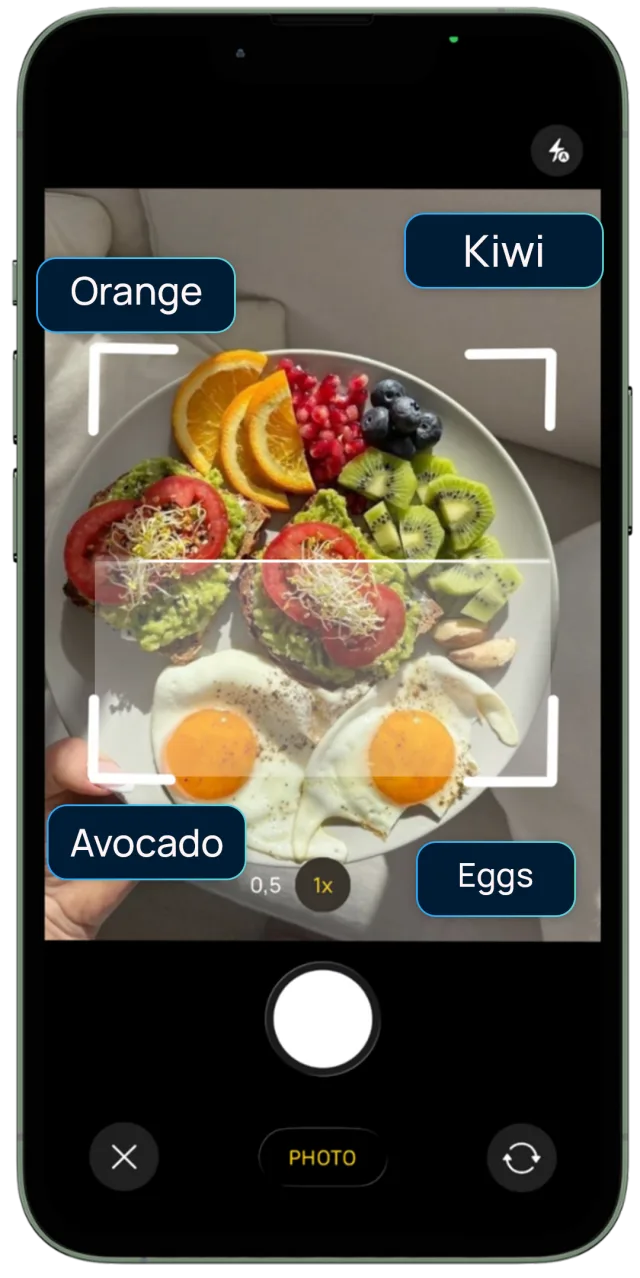
The app does three jobs in order: it identifies the foods, estimates how much of each is on the plate, then looks up the nutrition. The first job tends to go better than the second.
The research points the same way. In a study of ChatGPT on meal photos, it did well identifying foods, estimating small portions and ranking meals by nutrient content, but poorly on medium and large portions and on exact nutrient values, and it tended to underestimate. That was a general-purpose chatbot, so it tells you about the method and nothing about any app below. A 2025 validation against weighed food records found accuracy depends on clear images where the food is visible and on getting portion sizes right.
A camera also can't see what's hiding. Oil in the pan and butter melted into potatoes leave little trace in a picture, yet both are calorie-dense.
The practical takeaway is that correcting matters. In a validation study of one image-recognition app, results improved when users corrected them by hand. So favor an app that makes fixing an entry quick. Our guide to counting calories from a photo has tips for getting better estimates.
Which AI calorie counter is the most accurate?
Nobody can honestly tell you yet. Our sources include no independent head-to-head test of consumer calorie apps. If a website quotes a percentage, that's the vendor's own figure, measured on its own terms. That goes for us too: we have no accuracy figure for DietX, and its listing says "Nutrition, calorie and macro estimates may vary."
The wider evidence is encouraging but careful. A 2024 scoping review found real progress in food identification and portion estimation, and said dietitians should stay involved. For the full picture, read how accurate AI calorie counters are.
How to judge an AI calorie tracker yourself in a week
You can get a useful answer without any lab. Run these seven days inside a free trial, and check the length first: MyFitnessPal lists 7 days, Cal AI lists 3, and DietX's length isn't stated. On a short trial, do days 2, 3 and 6 first.
- Day 1: a known answer. Photograph something packaged and compare the result with its label. Labels have some leeway too: US rules treat food as misbranded if calories run more than 20% over the label, so a label can be off and still legal.
- Day 2: a weighed plate. Cook the plate below, weigh it, and photograph it before eating.
- Day 3: a mixed dish. Try a stew or a pasta bake, then see how easily you can change one ingredient.
- Day 4: no photo. Log a meal you've already eaten by voice or text. Can you give the amount?
- Day 5: eating out. Log a restaurant meal. Our guide to counting calories when eating out helps with what to add.
- Day 6: the clock. Time a full day of logging, including corrections.
- Day 7: the pattern. Look back. Do the misses lean the same way? A habit of running low is something you can plan around.
Here's the plate for day 2, using USDA values for the prepared foods:
| Food | Amount | kcal |
|---|---|---|
| White rice, cooked | 150 g | 195 |
| Chicken breast, roasted | 120 g | 198 |
| Olive oil | 1 tbsp (13.5 g) | about 120 |
| Total | about 513 |
If the app lands near 393 kcal, it probably saw the food and missed the oil. Add the oil by hand and see how many taps that took. One plate proves little, so repeat it with a meal you often eat.
Who each AI calorie counter suits
- SnapCalorie: you want to try photo logging at no cost. Its Premium is the priciest yearly plan in the table.
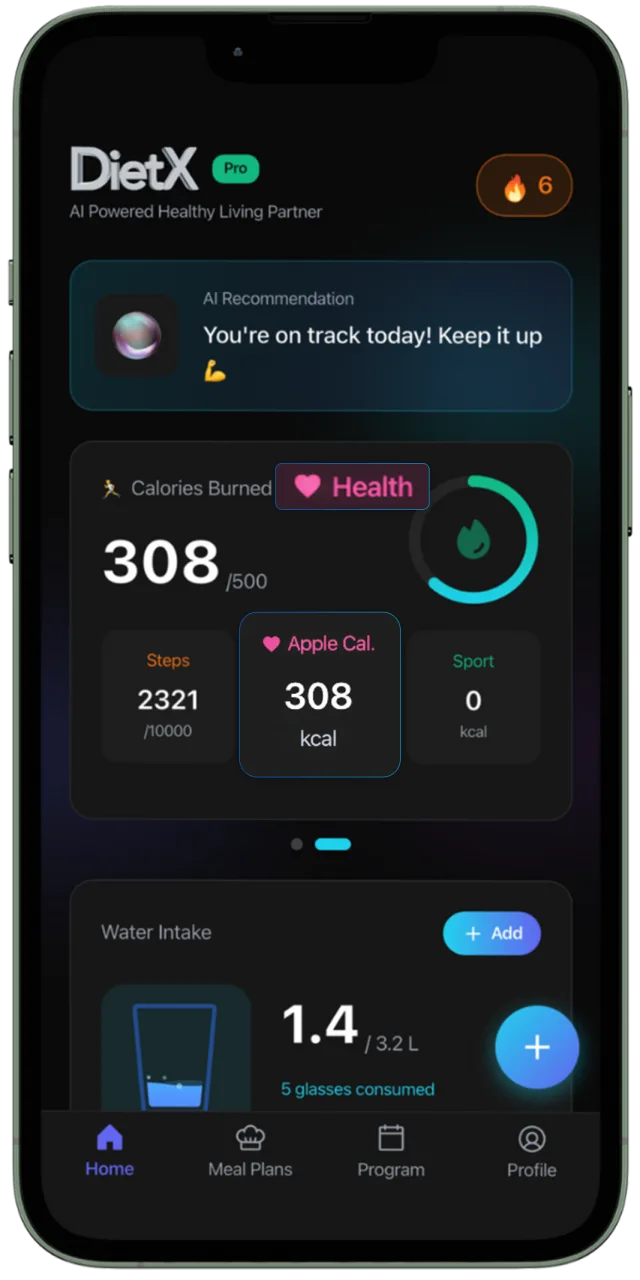
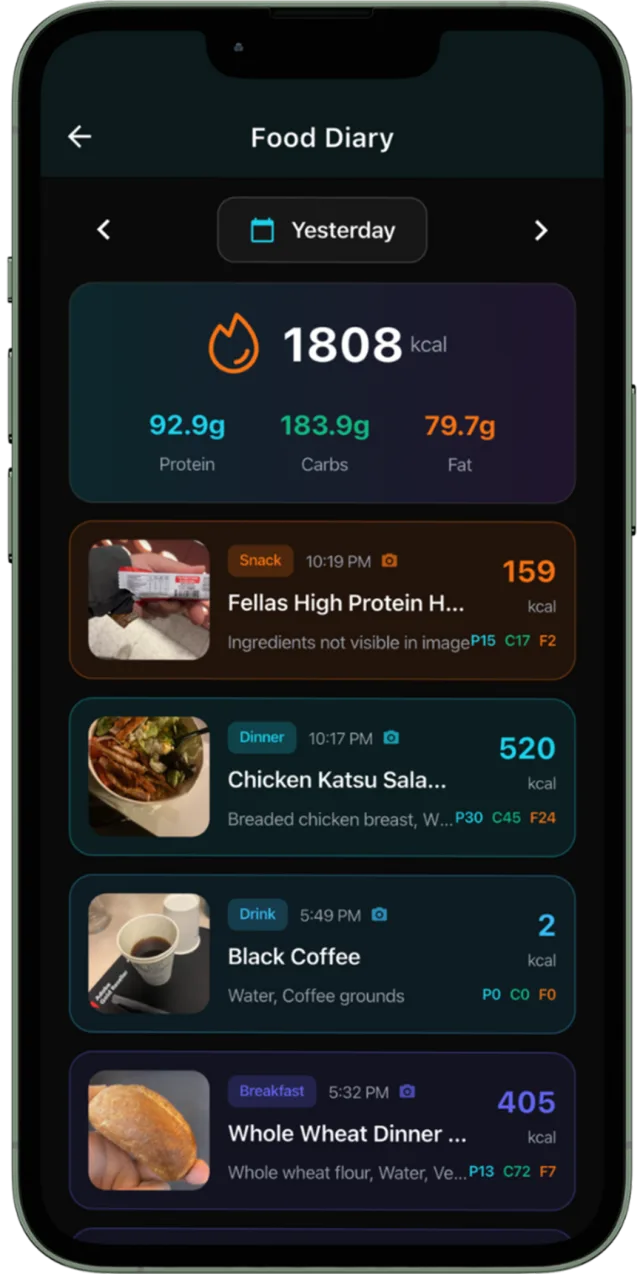
- DietX: you want photo, voice, text and barcode in one app, with meal plans and water, sleep and steps beside your food. It's our own app, it's young and it needs Premium. Here's how DietX logs a meal.
- Cal AI: you want a photo-first app and are happy to subscribe. See Cal AI alternatives if you aren't.
- MyFitnessPal: you already use it and would rather upgrade than start again.
- Lose It!: you like its free plan and community, and may add Premium for photos later.
- Cronometer: nutrient detail comes first, and photos are a bonus you may pay for.
- YAZIO, Lifesum and fatsecret: you want their free plans, recipes or meal plans. Check whether photos are included.
- MacroFactor: macro coaching matters more to you than snapping meals. It isn't a photo-first pick on what's stated.
Frequently asked questions
What is the best AI calorie counter?
No independent head-to-head test is available in our sources, so we can’t name a winner on accuracy. Choose by need: SnapCalorie for free photo logging, DietX (our own app) for photo, voice and barcode with meal plans, and Cal AI for a photo-first subscription.
Is there a free AI calorie counter?
SnapCalorie says its core features are completely free, and it logs from photos. YAZIO, Lifesum and fatsecret list photo features without stating the tier. MyFitnessPal, Lose It! and Cronometer keep photo logging on paid plans.
Can I trust accuracy percentages on calorie app websites?
Treat them as the vendor’s own claim. They aren’t an independent comparison. A better check is to weigh a meal you often eat, photograph it and compare the result yourself.
Why does an AI calorie counter get my meal wrong?
Identifying food is usually easier than judging portions, and a photo can’t show oil, butter or sauces mixed into a dish. Editing the entry and adding hidden ingredients by hand helps.
Does Cal AI need a subscription?
Its own wording is that food scanning analysis results require a subscription. It lists a 3-day free trial. A free plan is not stated.
Sources
- SnapCalorie
- DietX on the App Store
- Cal AI
- MyFitnessPal: Premium
- Lose It! on the App Store
- Cronometer: Gold
- YAZIO
- Lifesum
- fatsecret on the App Store
- MacroFactor on the App Store
- SnapCalorie on the App Store
- Cronometer on the App Store
- MyFitnessPal on the App Store
- Cal AI on the App Store
- An evaluation of ChatGPT for nutrient content estimation from meal photographs (2025), Nutrients
- Customized multimodal GPT-4o and image-based dietary assessment against weighed food records (2025), Am J Clin Nutr
- Nutrient and food group prediction by image recognition in a smartphone app (2022), JMIR Form Res
- Advancements in using AI for dietary assessment based on food images (2024), J Med Internet Res
- US Code of Federal Regulations: 21 CFR 101.9, nutrition labeling
- USDA FoodData Central (SR Legacy)
General information, not medical advice. Talk to a doctor or dietitian before changing your diet, especially if you are pregnant, under 18 or have a health condition. If tracking food makes you anxious or you have a history of disordered eating, please skip calorie counting and ask a professional for support.