Photold
How to Turn Your Photo Into Anime
By the Photold team · · 5 min read
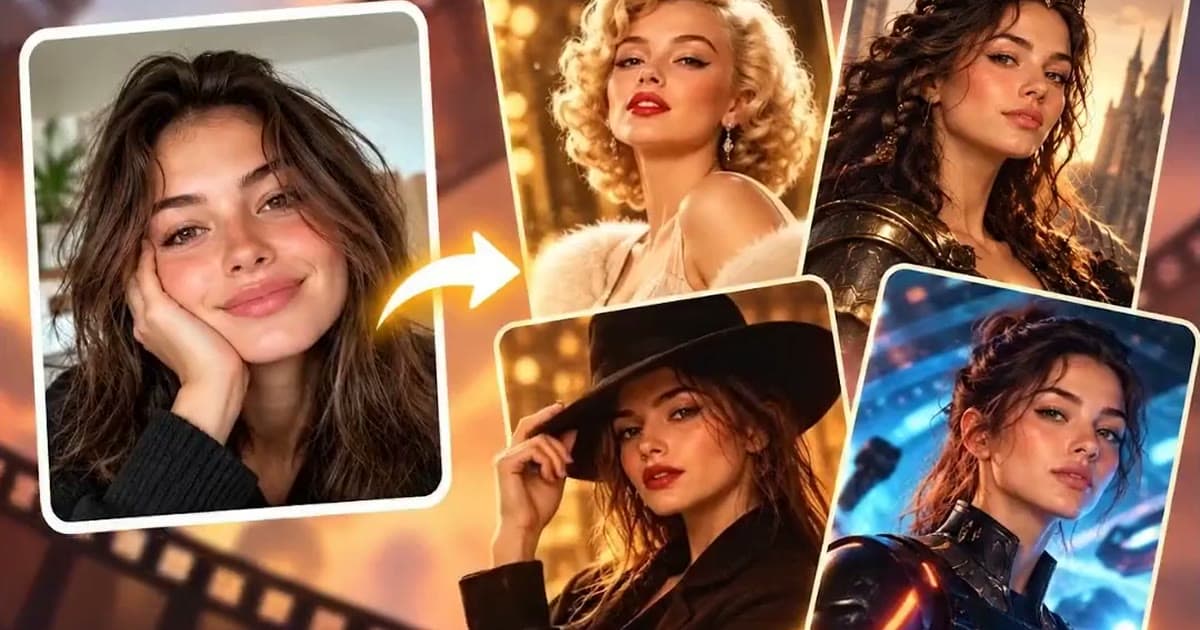
To turn a photo into anime, pick a sharp, well-lit photo where your hair, eyes and outline are easy to see, then run it through an AI tool with an anime style. In Photold, anime is one of six styles in the Cartoon feature. It redraws you with clean lines, large expressive eyes and a glowing background.
The style is simple on purpose. It keeps a handful of features, mainly the shape of your hair, your eyebrows, your eyes and anything you always wear, and drops nearly everything else. So the photo you choose decides more than the tool does. This guide covers which photos work, how anime differs from the other drawn styles, and how to check that the result still looks like you.
What anime style keeps and what it drops
Knowing this ahead of time saves you a few disappointing tries.
| Feature | In anime style | What it means for your photo |
|---|---|---|
| Hair | Becomes a few bold shapes and is often the main thing that makes the drawing look like you | Choose a photo where your hair is uncovered and in its usual style |
| Eyes | Drawn larger, with bright highlights | Eyes should be open and facing the camera, without sunglasses or reflections on glasses |
| Skin texture | Smoothed into flat color | Freckles, wrinkles and fine detail mostly disappear |
| Outline of the face | Simplified into clean lines | A three-quarter angle shows the jaw and nose better than a flat front shot |
| Background | Turned into soft color and light | A busy background is simplified, but a calm one gives a cleaner result |
| Accessories | Kept if they are large and clear | Glasses, a hat or earrings you always wear help people recognize you |
Choose the right photo, step by step
- Start with your usual look. If friends know you with glasses or a particular hairstyle, use a photo that shows it. It is what will carry the likeness.
- Pick soft, even light. A face half in shadow can come out with one side missing, because anime style uses so few lines.
- Get close. Head and shoulders is ideal. A full-body shot from far away leaves very little face to draw.
- Choose an expression. A smile, a laugh or a raised eyebrow translates well. A neutral passport face usually comes out flat.
- Skip filters. A beauty filter has already smoothed your face, so the tool has even less to work with.
- Repair old prints first. For an anime version of a parent or grandparent from an old photo, restore the old photo before you start. Scratches can turn into stray lines.
Have a photo that fits? Try the anime style in Photold and see what it keeps.Try Photold
Anime, classic 2D or comic book?
These three drawn styles look close on a small screen, but each one suits a different purpose.
| Style | The look | Pick it when |
|---|---|---|
| Anime | Clean lines, large expressive eyes, glowing backgrounds | You want a profile picture with a soft, bright mood, or your hair is distinctive |
| Classic 2D | Clean ink outlines and flat painted color | You want an expressive face that still feels close to a classic cartoon |
| Comic book | Bold ink, dot shading and vivid flat color | You want drama: a poster, a party invite, a strong pose |
For an overview of all six styles, including animated 3D, claymation and storybook, see how to turn a photo into a cartoon. If the result keeps coming out unlike you in every style, the photo is usually the problem. Try a sharper one before you change the style again.
Couples, friends and group photos
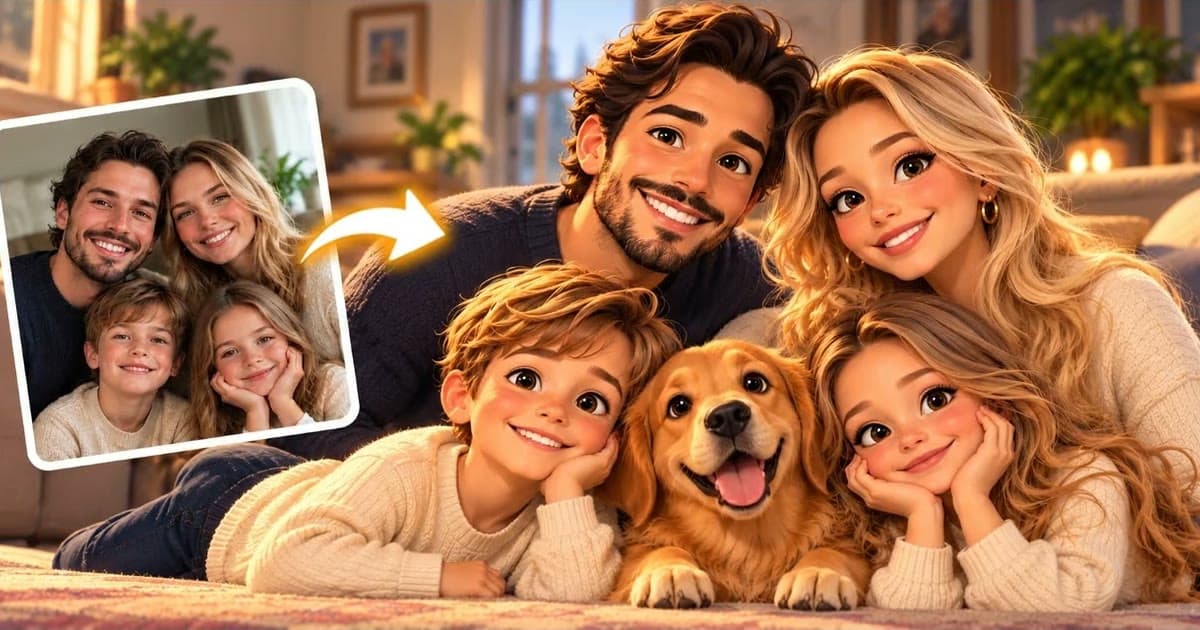
Anime versions of couples and friends are popular, but every extra person shares the same amount of detail. Two people side by side, with both faces large and lit from the same direction, works well. A group of six from across the room usually does not.
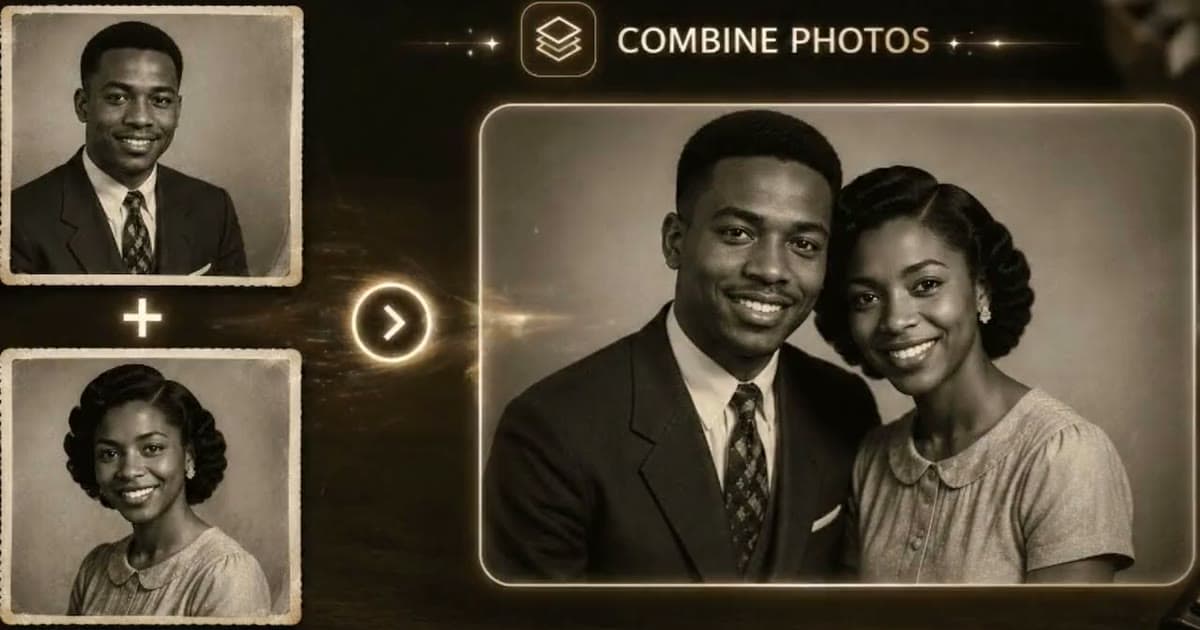
If the people you want together are not in one photo, make the group photo first. Combining two photos into one puts two people into one image, and a family portrait from separate photos handles up to five. Then turn that picture into anime.
Check the result before you post it
- Shrink it to icon size. Profile pictures are seen small. If you can still tell it is you at thumbnail size, it works.
- Look at skin tone. Flat color can drift lighter or darker. If it no longer matches you, try another photo with more even light.
- Count the details. Extra fingers, a missing earring or glasses that turned into eyes are the usual mistakes.
- Ask the people in it. Before you post an anime version of a friend or a child, ask them or their parents first. A drawing of someone is still a picture of them.
One more limit worth knowing: these are general styles. They are not a way to reproduce a particular show, studio or character, and each result is made on its own, so two images of you will not match exactly. If you need the same character across a whole series, an illustrator is the better choice.
Frequently asked questions
How do I turn my photo into anime?
Choose a sharp, close photo with your hair and eyes clearly visible, then use an AI tool with an anime style. In Photold, open Cartoon and pick the anime style.
Can I turn a photo into anime for free?
Photold is free to download, and the AI tools are part of Photold Pro. On the Photold website you can try one image feature once for free without an account, and Cartoon is one of them.
Why does my anime picture not look like me?
Anime style keeps very few features, so a photo with covered hair, shadows or a distant face leaves little to work with. Try a closer photo in soft light that shows your usual hairstyle and glasses.
Can I make an anime version of a group photo?
Yes, but it works best with two or three people whose faces are large and evenly lit. In bigger groups each face gets less detail, so check everyone in the result.