Photold
How to Turn Yourself Into a Movie Character
By the Photold team · · 5 min read
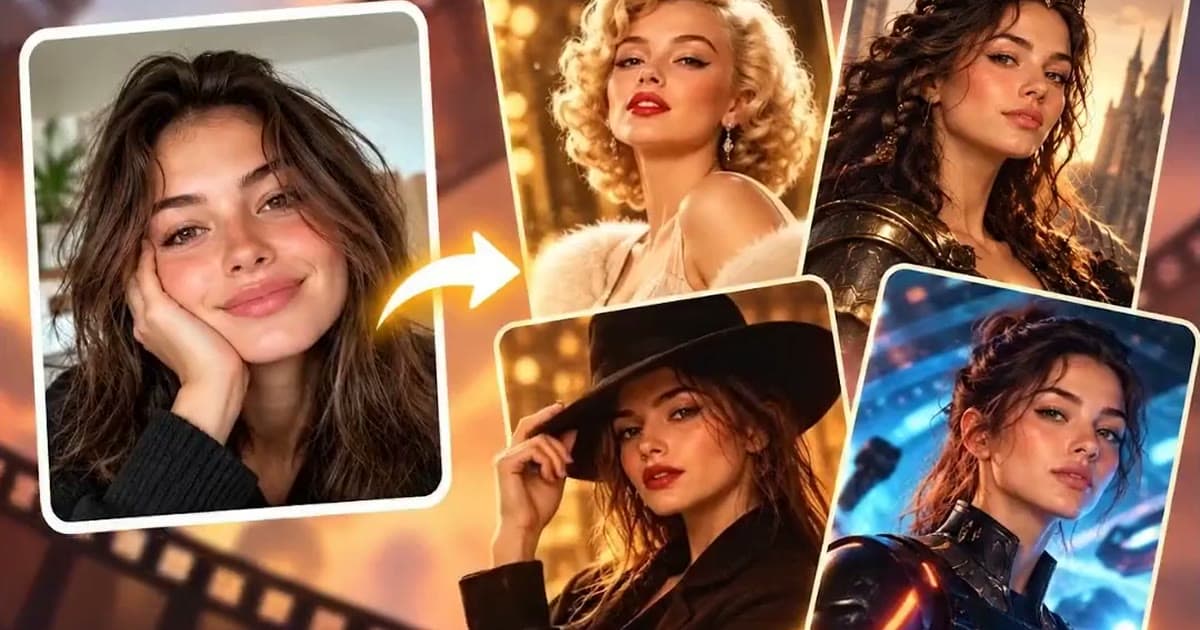
Turning yourself into a movie character takes one clear photo and a choice of role. Photold has a Film Character feature with styles that include Hollywood glamour, film noir, fantasy warrior, sci-fi pilot, pirate captain, knight, western outlaw, samurai, secret agent and period drama.
These are genres, not specific characters from specific films. That helps, because you are auditioning for a mood and the character you get is your own. The fastest route to a good result is a source photo that already fits the part. And it is an AI-made image, not a film still, so results vary with the photo you start from.
Pick a mood first: the ten styles grouped
Ten options are easier to choose from when you start with the feeling you want.
| Mood | Styles | Source photo that helps |
|---|---|---|
| Glamorous and elegant | Hollywood glamour, period drama | Soft light, chin slightly raised, a calm or warm expression |
| Dark and mysterious | Film noir, secret agent | Side light from a window, a steady look, no big smile |
| Rugged adventure | Pirate captain, western outlaw | Outdoor light, a slight squint, a half smile |
| Honor and battle | Knight, samurai, fantasy warrior | A straight gaze, a level head, square shoulders |
| The far future | Sci-fi pilot | Clean, even light and an alert expression |
Get into character: take a new photo for the part
Your camera roll may have something usable, but the best source is often a photo taken for the purpose. It takes a couple of minutes and a window.
- Face a window for soft light. For film noir or a secret agent, turn side-on to it so one half of your face falls into shadow, while keeping both eyes visible.
- Hold the phone at eye level, with your head and shoulders in the frame.
- Take off sunglasses and hats, and keep your hair out of your eyes.
- Act it. Take three shots: calm, tough and amused. It feels silly, and it helps.
- Pick the one where your face is clearest and the expression fits the role.
The expression should match the genre. A grin suits a pirate captain, and it fights film noir. A serious look gives a knight or a samurai some weight, and it can flatten a Hollywood glamour shot. If one photo keeps giving you a flat result, the role and the photo may simply not match, so try a different pairing before you give up.
Know which role you want to play? Try it with Film Character.Try Photold
What to expect, and what not to
- Expect new clothes, a new setting and a new mood. That is the point of the feature.
- Do not expect a specific film. The styles are genres. It will not put you in a particular film or next to a real actor, and you should not upload stills from one.
- Do not expect a costume test. It is an imagined picture, so it says little about how you would look in real armor or a real evening gown.
- Check the likeness. Under a heavy costume, a face can drift. Compare the eyes, nose and mouth with your source photo.
- Check small details. Weapons, badges and buttons can come out oddly, so zoom in before you print or share.
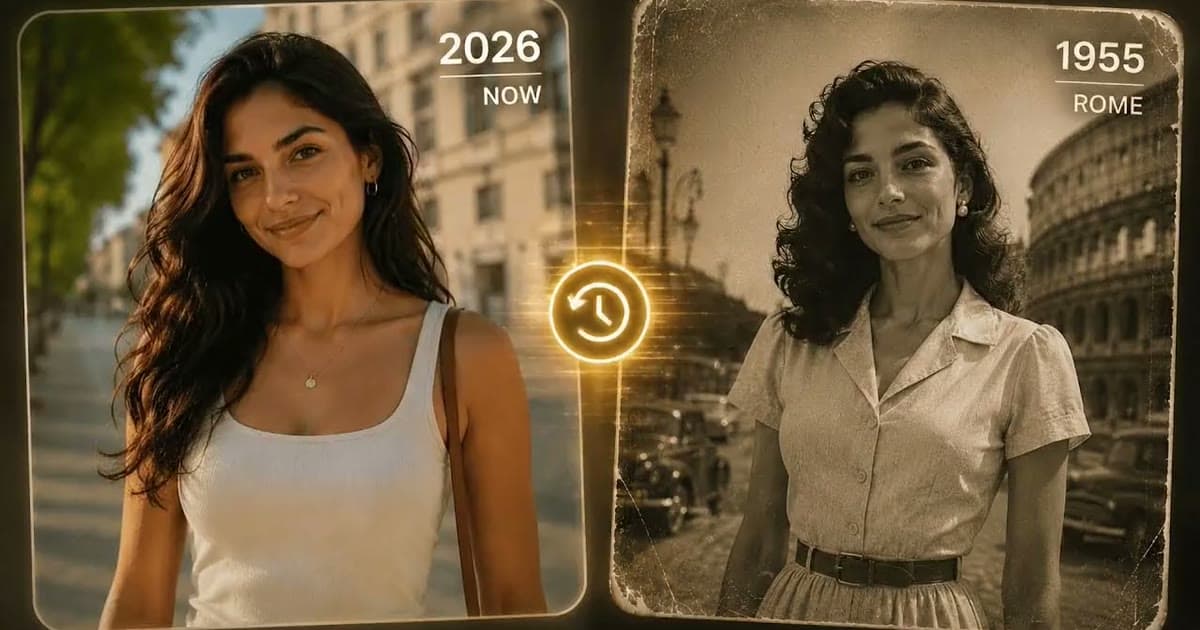
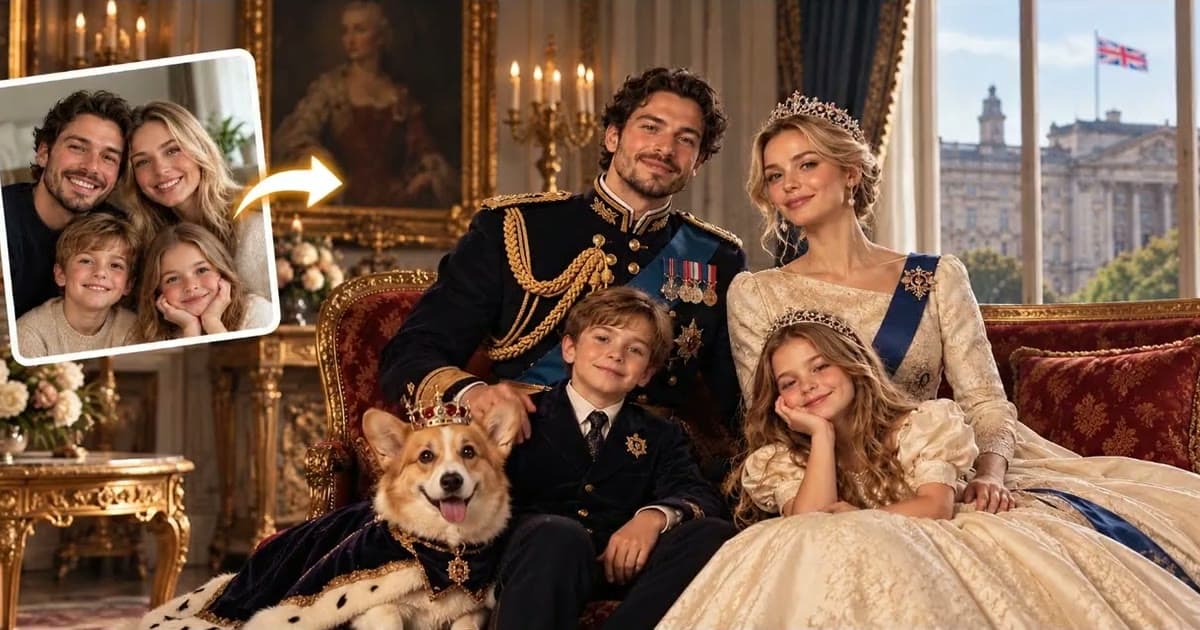
If a real place and period appeal more than a genre, try AI time travel photos. For a stately look, there is a royal portrait from your photo, and if you want something less realistic, you can turn your photo into a cartoon.
Ideas for using your movie character
- Party invites. Pick a genre for a theme night. A film noir invitation with the host as the detective says more than a paragraph of text. Add the date and address yourself in a simple editor.
- Profile pictures. Choose an image with a large, clear face and test it at thumbnail size. Fine for gaming and group chats. On a dating or work profile, where people expect a real photo, use a real one or say that it is AI-made.
- A family or team cast. Each person picks a role and sends a photo, and you line the pictures up like a poster for a film that does not exist.
- A birthday card. Make the birthday person the star, once you have asked them.
- Game night. Give every player a portrait of their character for a tabletop role-playing game.
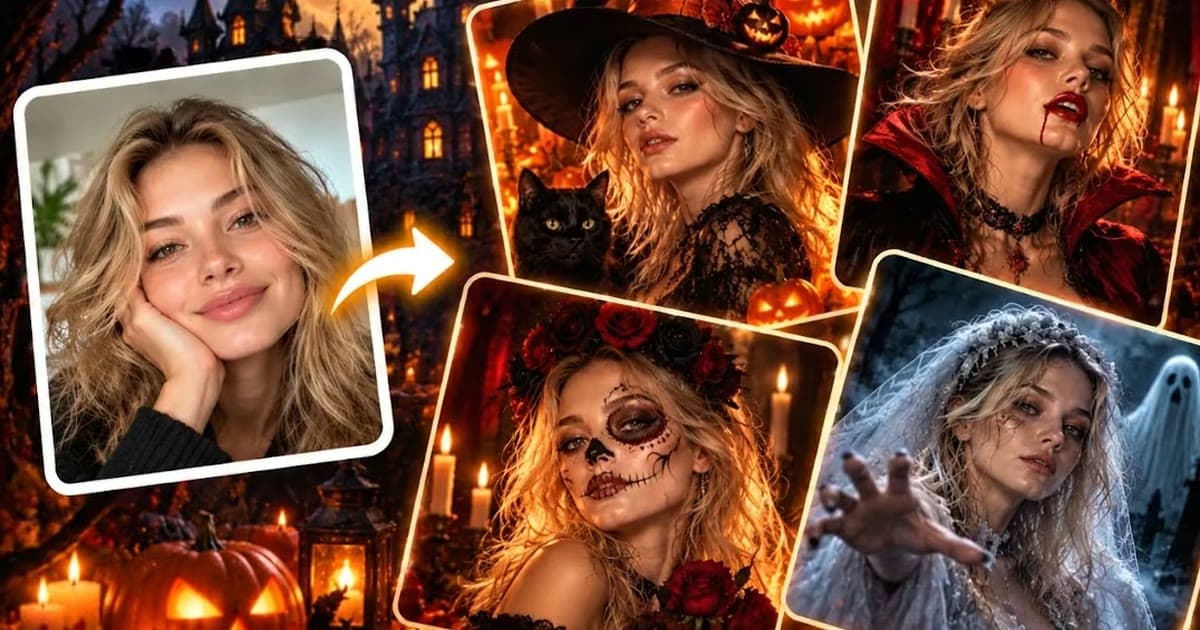
- A costume party warm-up. When the season comes around, the same idea works with AI Halloween costume photos.
If you use a friend's or colleague's face for any of these, ask first. It is their face, even with a pirate hat on it.
Frequently asked questions
How can I turn myself into a movie character?
Upload a clear photo of yourself to an AI tool and choose a role. In Photold, the Film Character feature offers styles such as film noir, knight, samurai and secret agent.
Can I become a specific character from a film?
The Film Character styles are general genres, not specific characters. The picture you get is your own take on a genre, not a copy of anyone from a film.
What photo works best for a movie character portrait?
A clear photo of your face in soft light, with an expression that fits the role. A new photo taken at a window often beats anything in your camera roll.
Can I use a friend's photo on a party invitation?
Only with their permission. Ask first, and show them the picture before it goes out to other people.