Photold
How to Turn a Photo Into a Cartoon
By the Photold team · · 5 min read
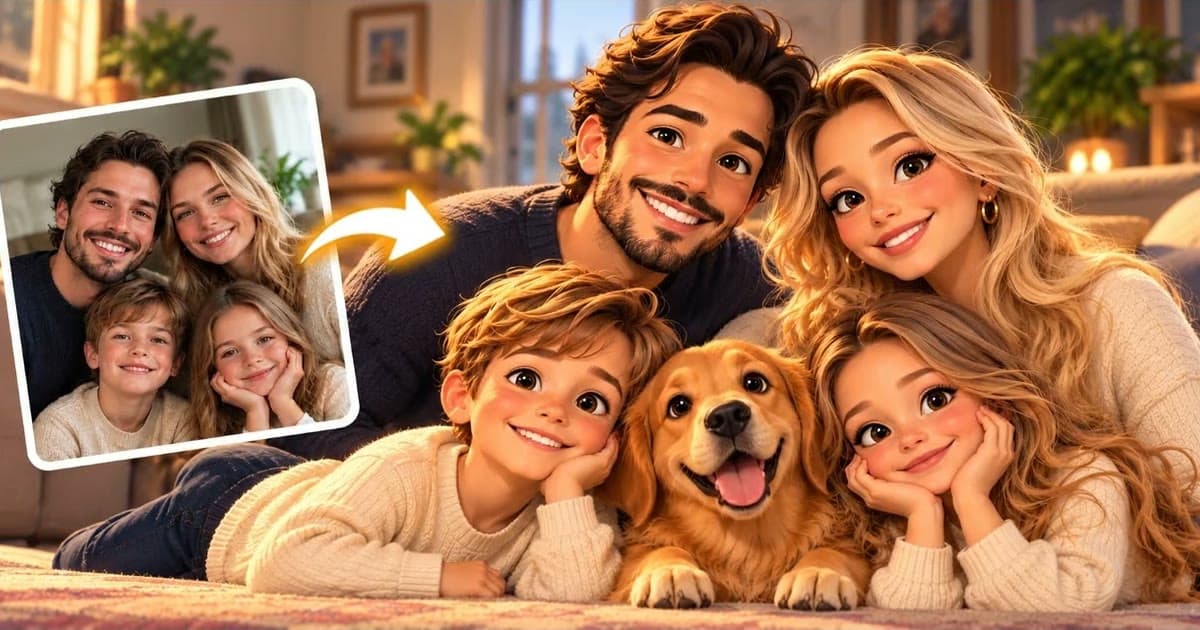
Any clear photo can turn into a cartoon with an AI tool, and the style you pick makes most of the difference. Photold offers six: animated 3D, classic 2D, anime, comic book, claymation and storybook. Each one suits a different photo and a different use.
So start with the use: a small avatar, a card or a print for a child's wall. Then choose the style. The result is an AI-made drawing, not a portrait by an artist who knows you, so it may take a couple of tries to get one that feels like you.
The six cartoon styles compared
| Style | The look | Best for |
|---|---|---|
| Animated 3D | Rounded forms, large eyes, soft polished light | Family photos and cheerful cards |
| Classic 2D | Clean ink outlines and flat painted color | Avatars and expressive faces |
| Anime | Clean lines, large expressive eyes, glowing backgrounds | Profile pictures and distinctive hairstyles |
| Comic book | Bold ink, dot shading and vivid flat color | Strong poses, posters and party invites |
| Claymation | Modeled clay with a handmade feel | Funny expressions and joke cards |
| Storybook | Soft watercolor washes and delicate pencil | Gentle portraits, grandparents and prints for kids |
If two styles seem equally good, run the same photo through both and look at them at the size you plan to use. A picture that looks charming on a full screen can turn to mush as a small icon.
What makes a good source photo for a cartoon
A cartoon works by leaving things out. Fine detail goes, and a few features carry the likeness: the shape of your hair, your eyebrows, your glasses, a beard, your smile. So choose a photo where those are easy to see.
- Show what people know you by. If you always wear glasses, keep them on. A hat hides your hair, which may be the most recognizable part of you.
- Pick an expression with some life. A big smile or raised eyebrows carry over to a drawing better than a blank look.
- Watch the background. A cluttered room can become a cluttered drawing, so crop tighter or choose a simpler setting.
- Keep the face clear. Good light and a sharp face matter here as much as anywhere.
Not sure which style suits your photo? Try one and compare.Try Photold
Single portraits and group photos behave differently
A single portrait gives the whole picture to one face, so small details have a better chance of coming through. This is the safe pick for an avatar.
A group photo is a different kind of picture. The charm is everyone being together, but there is less detail to go around for each face. Choose a shot where the faces are large and nobody at the back is half hidden. Afterward, count the people and check each face.
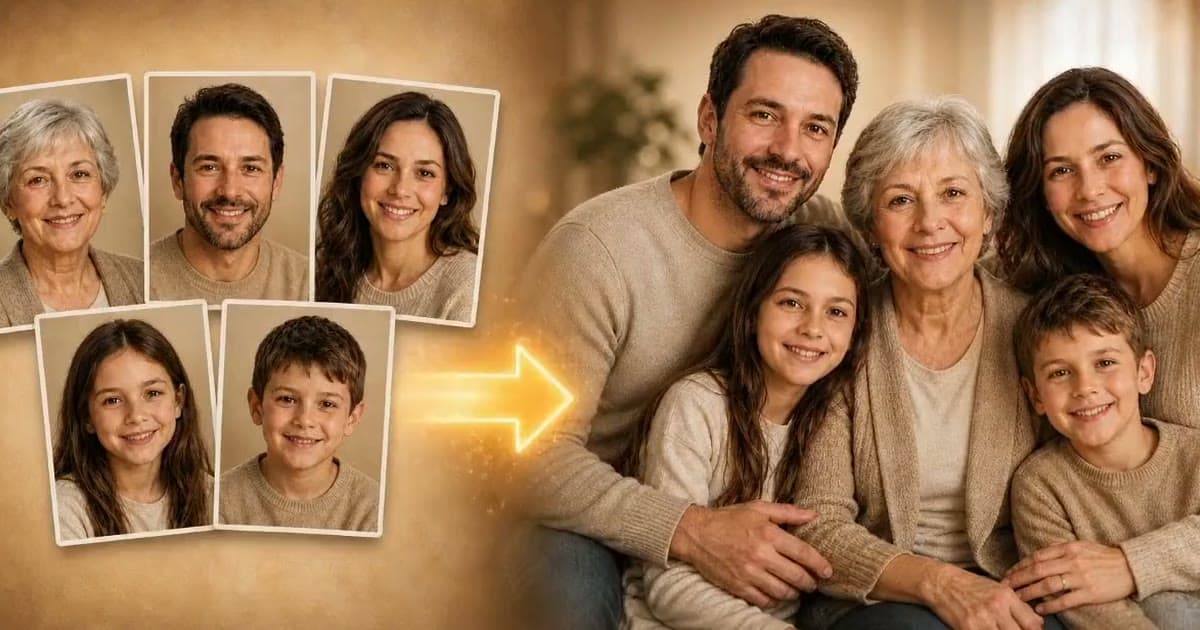
No group photo at all? Make one first with a family portrait from separate photos, then redraw that.
What a cartoon filter cannot do
- Keep one character across many images. Each result is made separately, so a second picture may not match the first. That matters if you are planning a whole book about the same character.
- Add reliable text. Add names and captions afterward in a simple editor.
- Copy a show you love. These are general styles, not a way to reproduce any particular studio's characters.
- Replace an artist. A commission gives you a person who talks with you and can change one specific thing when you ask.
Ideas for using your cartoon
- Avatars. Crop to a square around the face, then shrink it to thumbnail size. If you still recognize yourself, it works.
- Cards. A family cartoon makes an easy birthday or holiday card, and a drawing can feel more relaxed than a posed photo.
- Printing for kids. Print a storybook portrait of their grandparents at 20 × 25 cm / 8 × 10 in for a bedroom wall, or at 10 × 15 cm / 4 × 6 in to tuck into a lunchbox.
- A first draft for a real artist. Show a commissioned illustrator what mood you are after.
Everyone in the picture should agree, so ask before you use a photo of someone else, and ask the parents for a photo of a child. A cartoon of someone is still a picture of them.
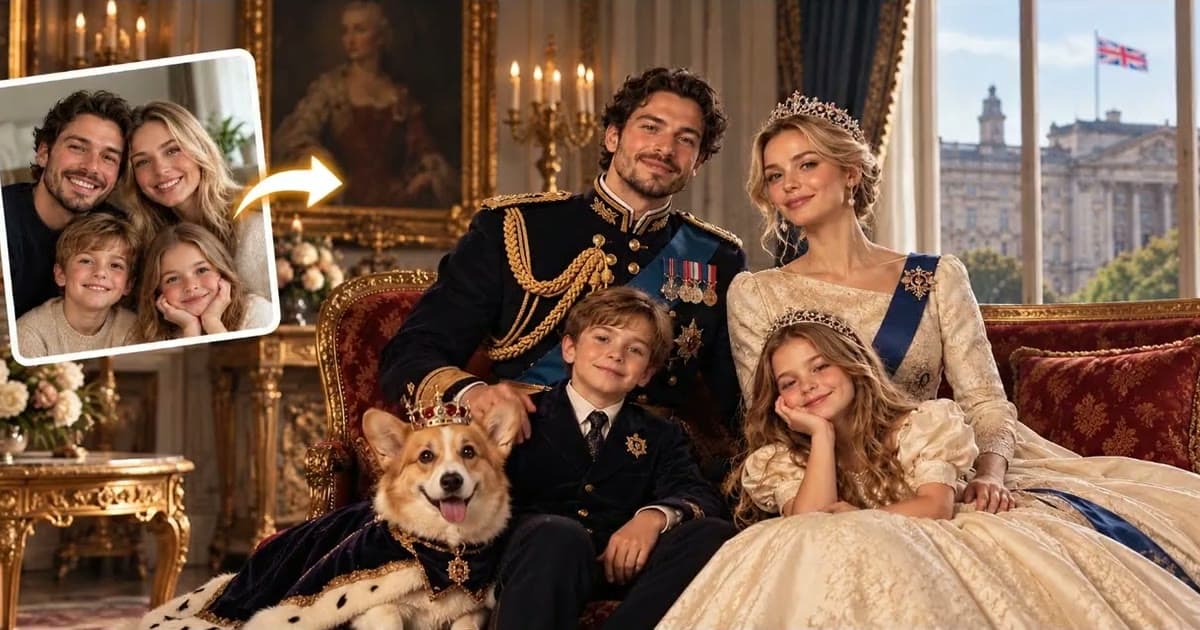
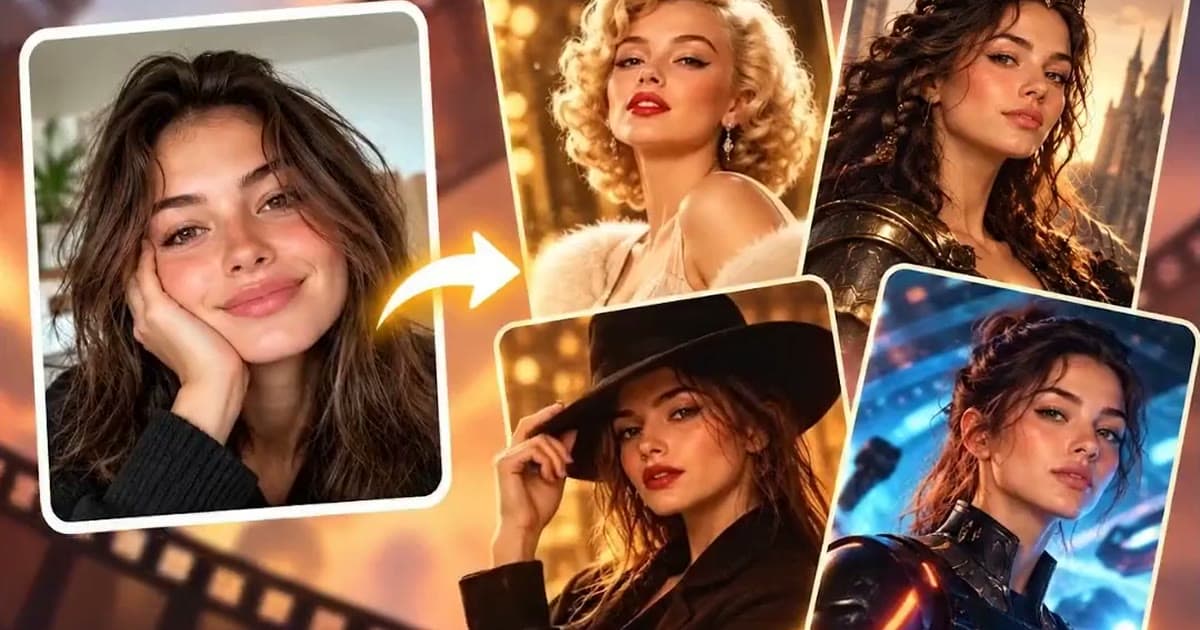
Want something more dramatic? Try a royal portrait from your photo, or turn yourself into a movie character for a look that stays closer to a photograph.
Frequently asked questions
What is the best cartoon style for a profile picture?
Classic 2D and anime are good places to start, because clean lines tend to hold up at small sizes. Test any style by shrinking it to thumbnail size.
Can I turn a group photo into a cartoon?
You can try, and it works best when the faces are large and clear. A single portrait gives small details a better chance, so check every face in a group result.
Can I turn a photo into a cartoon for free?
Photold is free to download, and the AI tools are part of Photold Pro. On the Photold website you can try one image feature once for free without an account, and Cartoon is one of them.
Will the cartoon still look like me?
It should still read as you, but results vary with the source photo. If it does not, try a sharper photo or a different style, and keep your glasses or usual hairstyle visible.