Photold
How to Make a Family Portrait From Separate Photos
By the Photold team · · 5 min read
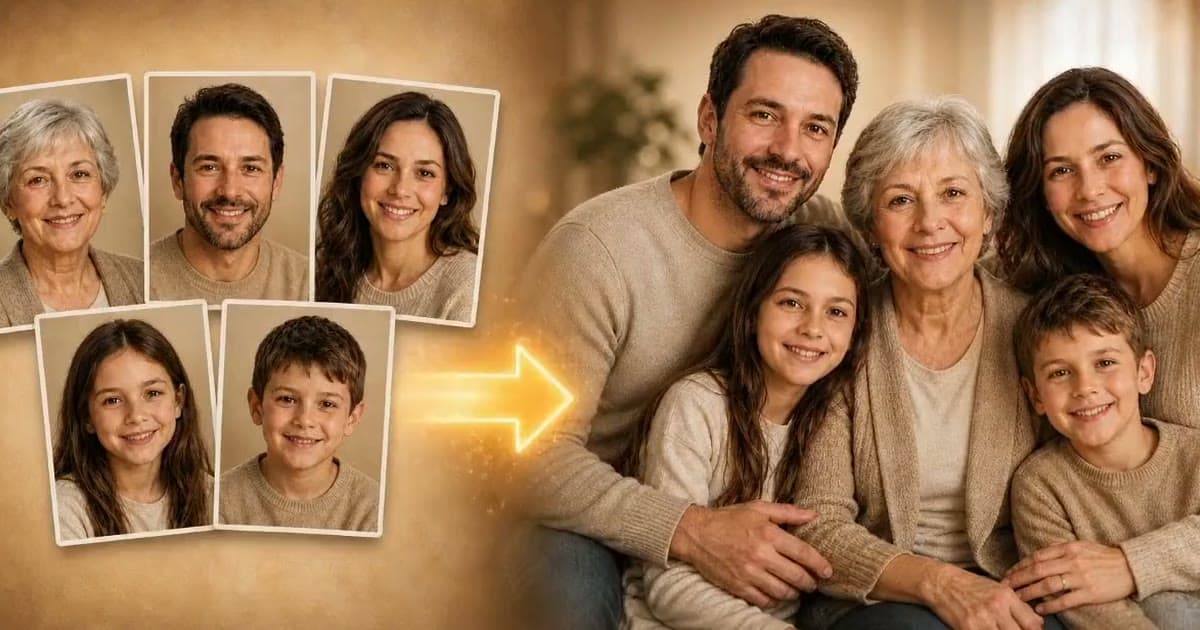
A family portrait from separate photos starts with one clear photo of each person, which an AI tool then brings into one image. In Photold, the Family Portrait feature works from 2 to 5 photos, one per person, and the result shows exactly that many people. Nobody is added and nobody is duplicated.
What comes out depends on what you collect, so most of the work is a little patient gathering. It is worth it for a family spread across countries, or for a portrait that simply never got taken. The result is an AI-made picture of a moment that did not happen, so treat it as a lovely image, not a record.
When a made portrait is the right idea
- A family spread across countries. Getting everyone into one room may not be possible this year, but a parent can still have all of you on the wall.
- The portrait that never happened. Everyone is close by, and somehow nobody ever booked the photo.
- Someone who is missing. A late relative alongside the people they loved. Talk to the closest family first, since not everyone will want this.
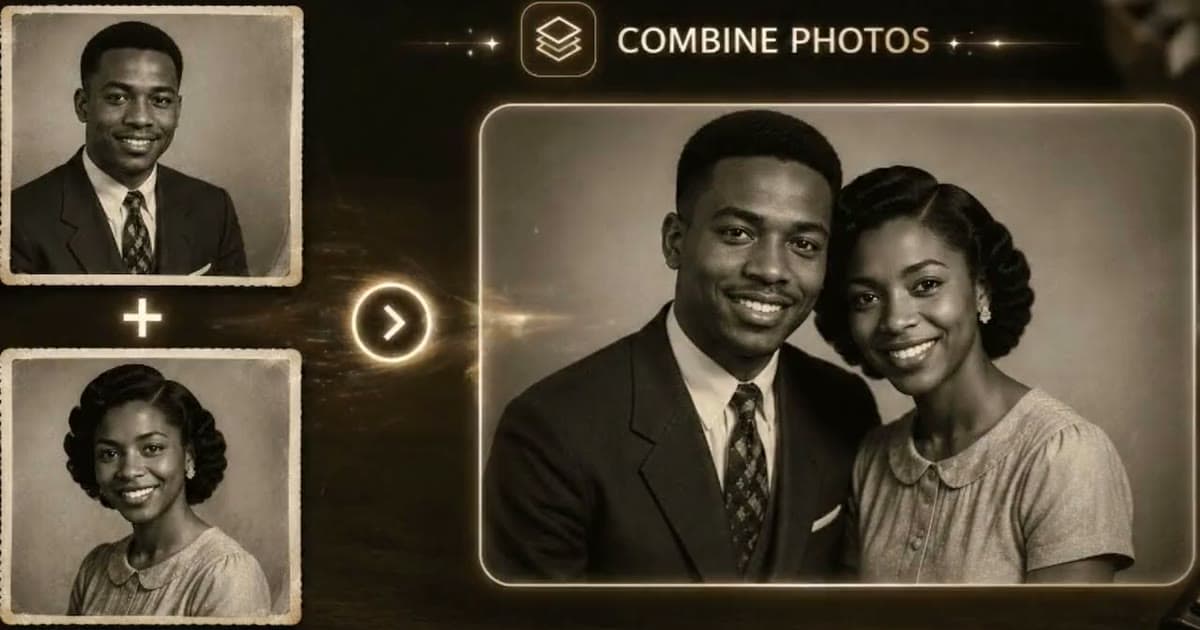
For just two people, especially from old prints, combining two photos into one is the closer fit.
The source photo checklist
Each photo should pass all of these, because a weak photo is a common reason for a face to look off.
- Only one person in the frame. Crop out anyone else before you upload.
- Face toward the camera, eyes open, no sunglasses.
- Soft daylight, with no dark shadow across half the face.
- Head and upper body visible, not just a tight crop of the face.
- Sharp when you zoom in, and sent as a full-size file, not a copy forwarded through a chat app.
- A similar mood to the others. One person laughing beside one person looking stern will show.
You can paste this into your family group: "I am making a family portrait with an AI photo app. Can you send me one photo of just you, facing the camera in daylight, as a full-size file? I will only use it for this, and I will show you before I share it." It also asks for their permission, which you need anyway.
Decide which moment you are showing
Photos from the same period read as one family on one day. A grandmother at 30 next to a grandson at 8 is a strange picture, because that moment could not have happened. If you want everyone as they are today, ask for new photos this week. For someone who has died, a photo from the later years of their life usually sits best alongside the others. Old prints should be repaired first.
Got one clear photo of each person? See them together in one family portrait.Try Photold
Check the result before anyone else sees it
- Count the people. The number should match the number of photos you uploaded.
- Check each person against their own photo. Look at the eyes, nose, mouth and any marks.
- Look at ages and sizes. A child should still read as a child beside the adults.
- Look at hands and shoulders. Where people overlap is where odd details tend to hide.
- Show each adult their own face. Each person is the best judge of how they look. For someone who has died, ask a person who knew them.
If one face is off, ask for a better photo of that person and run it again. It is rarely the whole group that needs fixing.
Printing your family portrait
A screen flatters a picture, so order a small proof first. A 10 × 15 cm / 4 × 6 in print shows you faces at real size and lets you find flaws cheaply. Then go larger: 20 × 25 cm / 8 × 10 in is a comfortable size for a shelf or a wall.
The bigger the print, the more detail you need. Ask your print shop what file size it wants for the print you have in mind. If your file falls short, sharpen it first: our guide on enhancing photos for printing explains how, and HD Enhance is built to add sharper detail without changing who is in the picture.
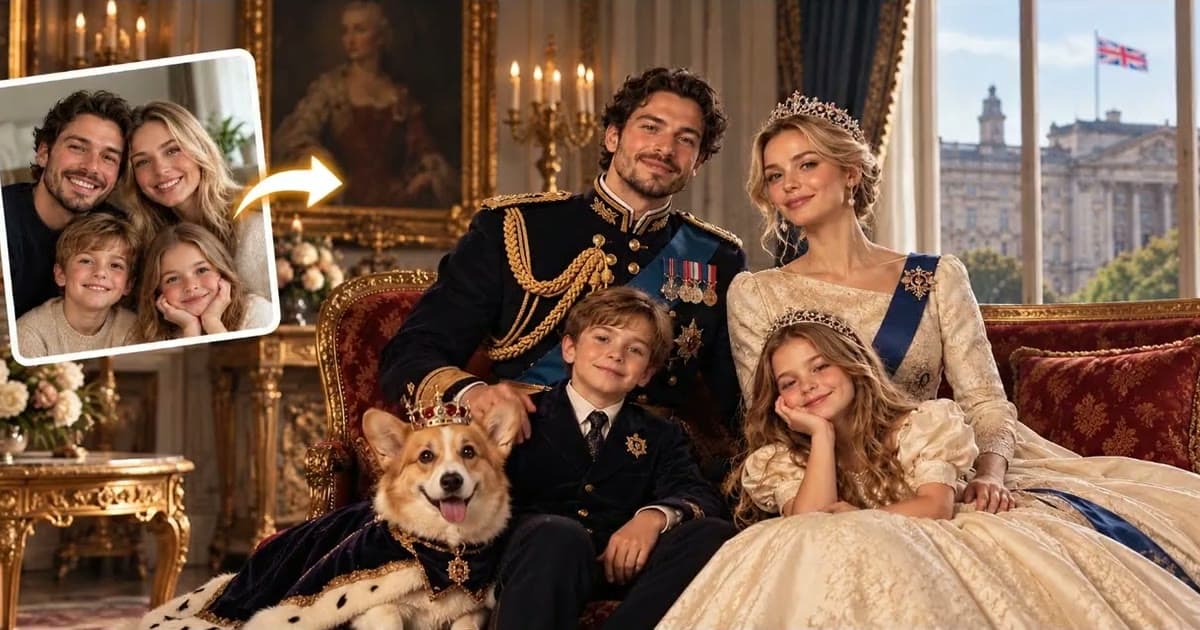
Write on the back that it was made with AI from separate photos, and who is in it. For presents, here are some ideas for photo gifts. For a sillier version, a royal portrait of the family puts everyone in court dress.
Everyone in the picture should know about it, and a parent should agree to a child's photo. If you want to know where the images go, read our article on uploading family photos to AI apps.
Frequently asked questions
Can I make a family portrait without everyone being there?
Yes. You need one clear photo of each person, and an AI tool brings them into one image. Everyone stays where they are, and the picture is AI-made.
How many photos do I need for a family portrait?
One per person, from 2 to 5 people in Photold. The result shows exactly that many people, with nobody added or duplicated.
Can I include a relative who has passed away?
You can, using a clear photo of them, if the people closest to them agree. Treat it as a made image and say so on the back of any print.
Is an AI family portrait a real photograph?
No. It is a made image of a moment that did not happen. It can still be a lovely thing to have on the wall, as long as it is labeled honestly.