Photold
How to Make an AI Halloween Costume Photo
By the Photold team · · 5 min read
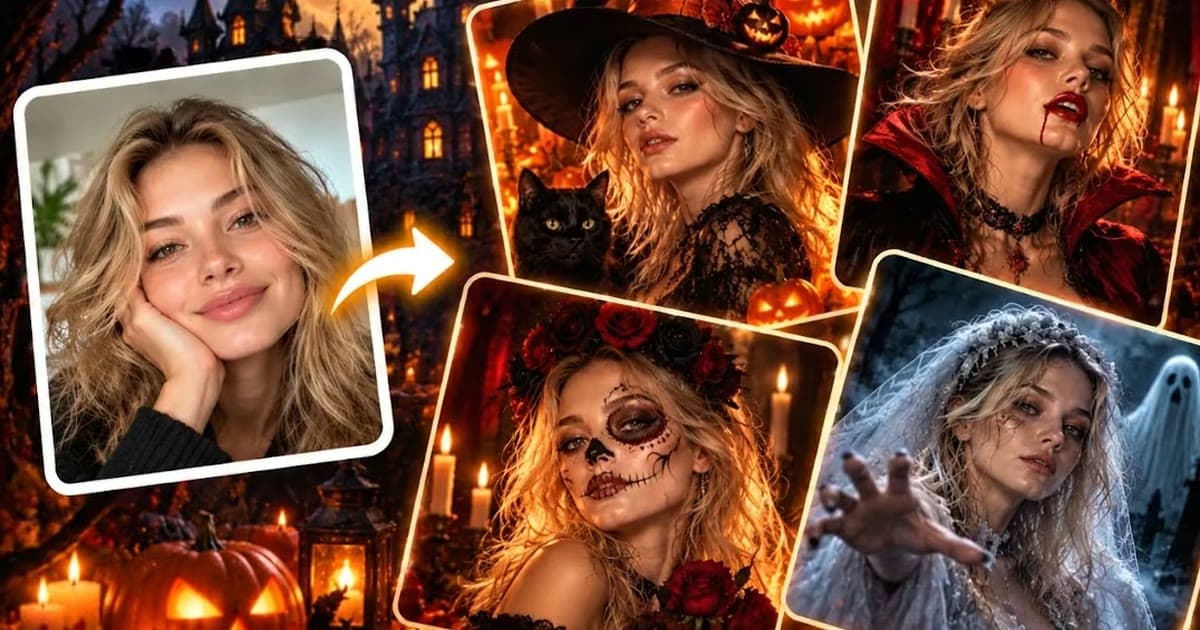
An AI Halloween costume photo shows your own face in a costume you have not bought. Upload a clear photo of your face and pick a look. Photold has six: witch, vampire, sugar skull, ghost bride, dark fairy and grim reaper. You get a new image of yourself in that costume, with no makeup, no fabric and no shopping.
It will not tell you if a costume fits or how long the makeup takes. It is a quick way to see if a look suits your face, to decide what to buy and to make invitations people remember. It is an AI-made image, so results vary with the photo you start from.
Six costumes and what each one needs
| Costume | The mood | Source photo tip |
|---|---|---|
| Witch | Playful or dark, and easy to read at a glance | A knowing half smile works well |
| Vampire | Dark, elegant and a bit theatrical | Chin slightly raised, a steady look, no big grin |
| Sugar skull | Decorative and colorful, with real cultural roots | Face straight on, hair off your face, so there is room for the paint |
| Ghost bride | Pale, sad and eerie | Soft light and a quiet, neutral expression |
| Dark fairy | Gothic and dreamlike | Loose hair and clear, open eyes |
| Grim reaper | The darkest of the six | A serious face, fully visible, with nothing covering your forehead |
A source photo that works
The costume does the dramatic work, so the source photo should be plain and clear. Save the spooky mood for the result.
- Face the camera. Face paint and makeup looks follow the shape of your face, and both eyes need to be visible.
- Use even light. A dark, moody selfie hides the features the costume is built around. Stand near a window in daytime.
- Take things off. Glasses, hats and last year's costume all get in the way.
- Keep your makeup light. Heavy makeup can fight with the look you are trying on.
- Make it just you. For a group idea, make one picture per person and line them up.
Try a look before you buy a costume
This is the most practical use, and it can save you an impulse buy.
- Make two or three looks from the same photo.
- Send them to a friend who will be honest, and ask which one suits you.
- Save the winner on your phone, and show it in the costume shop or to the friend doing your makeup.
- List the pieces you would need: a hat, a cape, wings, a veil. That list is your shopping trip.
What the picture cannot tell you is just as useful to know. It does not show if the cape fits, if the wings get through a doorway, how the fabric feels or if you can copy that makeup with your own hands. Treat it as a mood board, not a fitting.
Cannot decide between two costumes? Try both on before you buy.Try Photold
Invitations and group costume ideas
- Party invitations. Put the host in costume and add the date and address yourself in a simple editor. Ask before you put a friend's face on anything you send out.
- A couple. A ghost bride and a grim reaper make a good pair, and the story writes itself.
- A coven. A whole friend group as witches, one picture each, posted together as a set.
- A vampire family. Everyone gets a cape, and the family group chat gets a new profile picture.
- Something for small kids. A grim reaper may be too much for a young guest. A cartoon version of your photo makes a friendlier invitation.
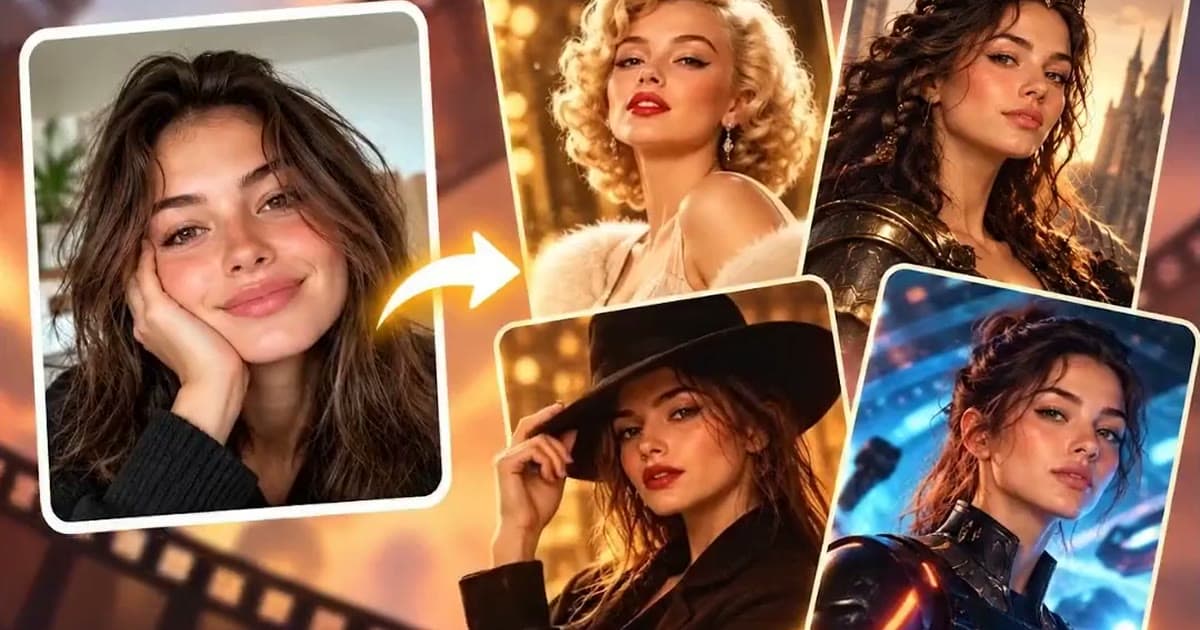
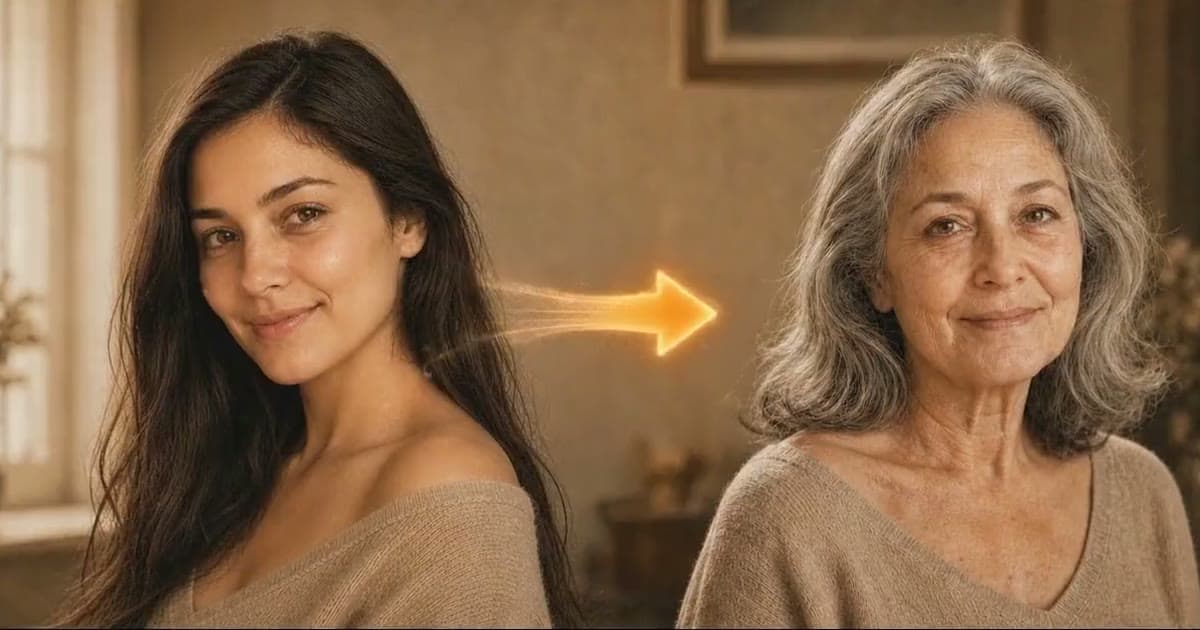
- Other looks. Halloween is not the only excuse: a movie character portrait works for any theme party, and seeing yourself older is its own kind of fright.

One more thought about other people's faces. A grim reaper picture of your grandmother, or a ghost bride of a friend who has been through a hard time, may not be the joke you think it is. Ask first, and let people say no.
A respectful note on the sugar skull
The sugar skull is not a Halloween monster. It comes from Día de los Muertos, the Day of the Dead, a Mexican tradition in which families remember and honor relatives who have died. The decorated skull is part of that remembrance, and the mood is closer to love than to fright.
That does not mean you cannot admire it. It does mean treating it with care. Use it as a beautiful portrait, not a scare or a gag, and keep it away from jokes about death. If you are curious, read about the tradition or ask someone who keeps it. You will end up with a better picture, and a better answer when someone asks about it.
Frequently asked questions
Can I see myself in a Halloween costume before buying one?
Yes. An AI costume photo shows you an imagined version of the look on your own face. It helps you choose a mood, but it cannot tell you how a real costume will fit.
Which Halloween costumes does Photold have?
Six: witch, vampire, sugar skull, ghost bride, dark fairy and grim reaper.
Is it okay to use the sugar skull look?
It comes from Día de los Muertos, a Mexican tradition of honoring relatives who have died, so treat it with respect. Use it as a portrait rather than a scare or a joke about death.
Can I try an AI Halloween costume photo for free?
Photold is free to download, and the AI tools are part of Photold Pro. On the Photold website you can try one image feature once for free without an account, and Halloween is one of them.