Photold
How to See Yourself Older With AI
By the Photold team · · 5 min read
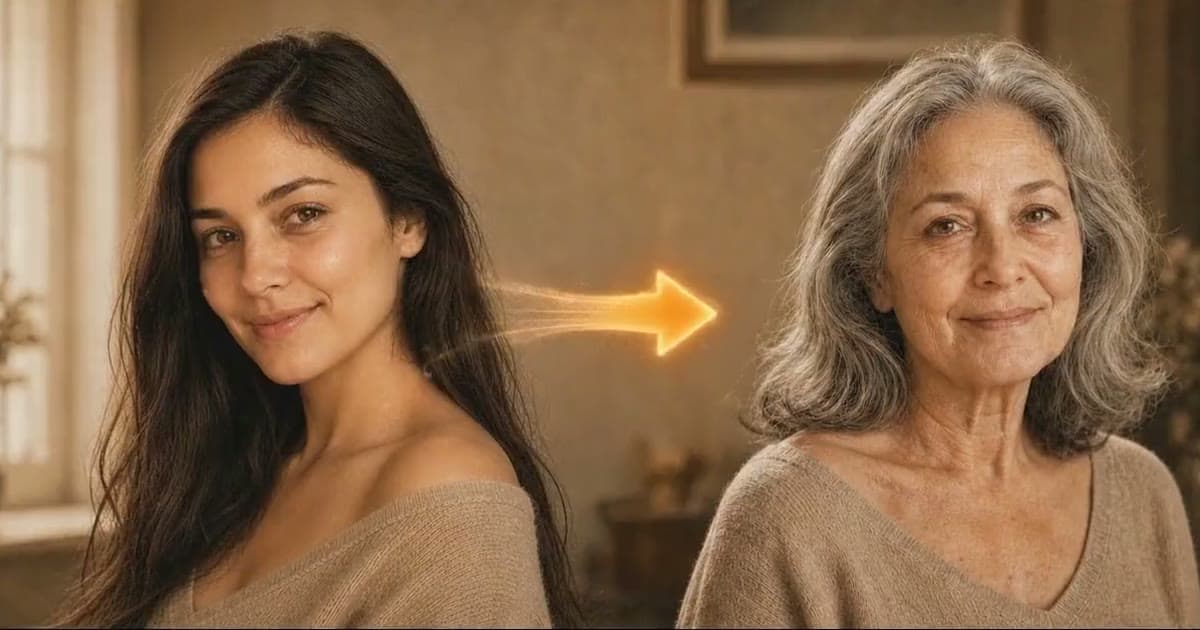
An AI aging filter needs two things from you to show you older: a clear, front-facing photo and a target age. In Photold, the feature is called Older You: you choose an age range and get an imagined picture of yourself at that age, with changes such as graying hair and deeper lines.
It is a picture, not a forecast. It knows nothing about your health, your habits or your family, so please do not use it to draw any medical conclusion. Treat it as a fun portrait, and it does that job well enough to make you laugh or go quiet for a second.
Pick a target age with a reason behind it
The age range decides how big a leap the app has to make. A short step gives a subtle change that can be hard to see. A big leap is more striking, and more of it is imagined. Choosing an age with a story attached makes the result more fun.
- Try the age a parent or grandparent is today, so you can put the picture next to them.
- Pick a milestone, such as the age you hope to retire or a big round birthday.
- Make two or three ages from one photo and line them up as a series.
Use a source photo that shows your face as it is
An aging tool adds to what it can see, so anything that hides or distorts your face gets carried along. A few minutes spent on the photo helps more than repeated tries with a poor one.
| Better source | Weaker source | Why it matters |
|---|---|---|
| Soft, even daylight | Hard light from above or the side | Deep shadows can get mistaken for lines and hollows |
| Relaxed, neutral face | Big grin or squint | Expression lines look deeper before any aging starts |
| Hair off the forehead | Hat or heavy fringe | Hairline and forehead are a big part of how an older face reads |
| Unfiltered photo | Beauty filter or heavy retouching | A smoothed face is a false starting point |
| Full-size file | Small copy from a chat app | Compression removes fine detail around the eyes and skin |
What natural aging should look like
A believable result looks like you, later. It should not look like a stranger or like theatrical makeup. Check it against your source photo.
- Still you: eye shape, the line of the nose, moles and scars stay where they were.
- Gradual change: gray hair, a softer jawline and finer lines, not a sudden mask of wrinkles.
- Same complexion: your skin should not turn paler just because the face got older.
- No costume effect: if it looks like a stage disguise, try a different photo.
Curious about your own older face? Try Older You with one clear photo.Try Photold
Why it is not a forecast of your health or your aging
How you really age depends on things a single photo cannot show, from your family and your years in the sun to your health and plain luck. The tool does not have that information and does not ask for it.
There is an easy way to see this for yourself. Run the same target age on two different photos of you, one taken outdoors and one indoors. Results vary with the source photo, so you may well get two different older faces, and they cannot both be your future. That is why this makes a nice portrait and a poor prediction.
Do not use this for medical conclusions. A line, a spot, thinning hair or a change in skin in an AI-made image says nothing about your health. If something about your skin or health worries you, speak to a doctor.
Ideas to try, alone or with someone
- Do it as a couple. Each of you picks a photo, you choose the same target age, and you put both pictures on one card or print. Agree on it together first: a surprise picture of your partner with thirty extra years may not land the way you hoped.
- Compare with a real relative. Put your older picture next to a real photo of a parent or grandparent at that age. The real photo is often the more interesting of the two, and restoring an old photo can clean it up first.
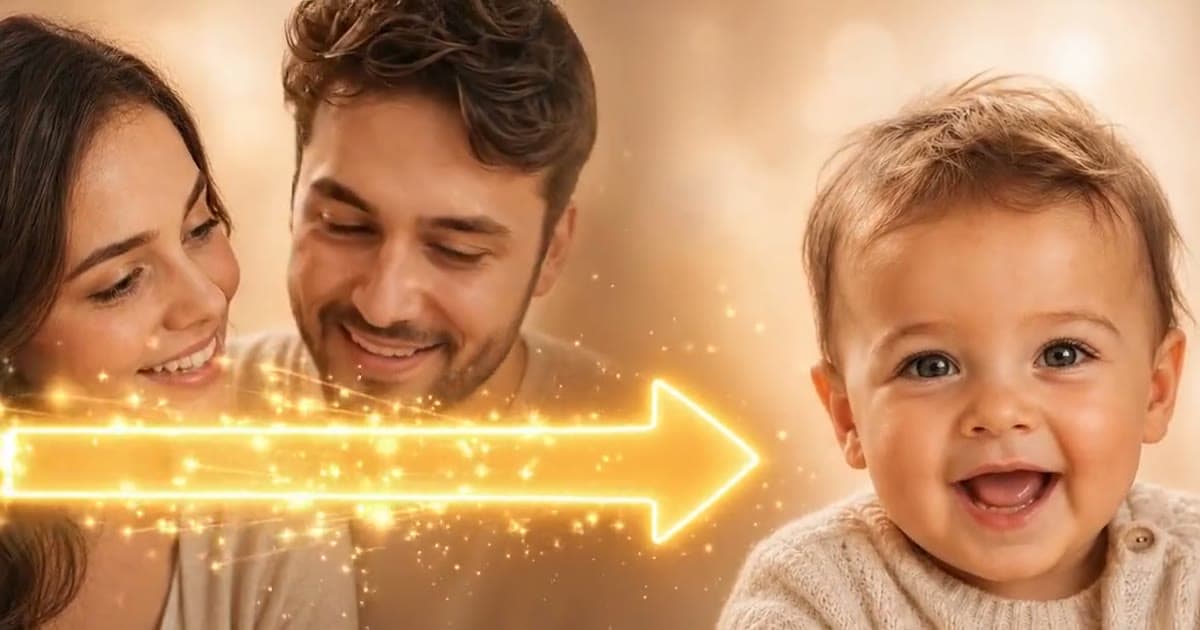
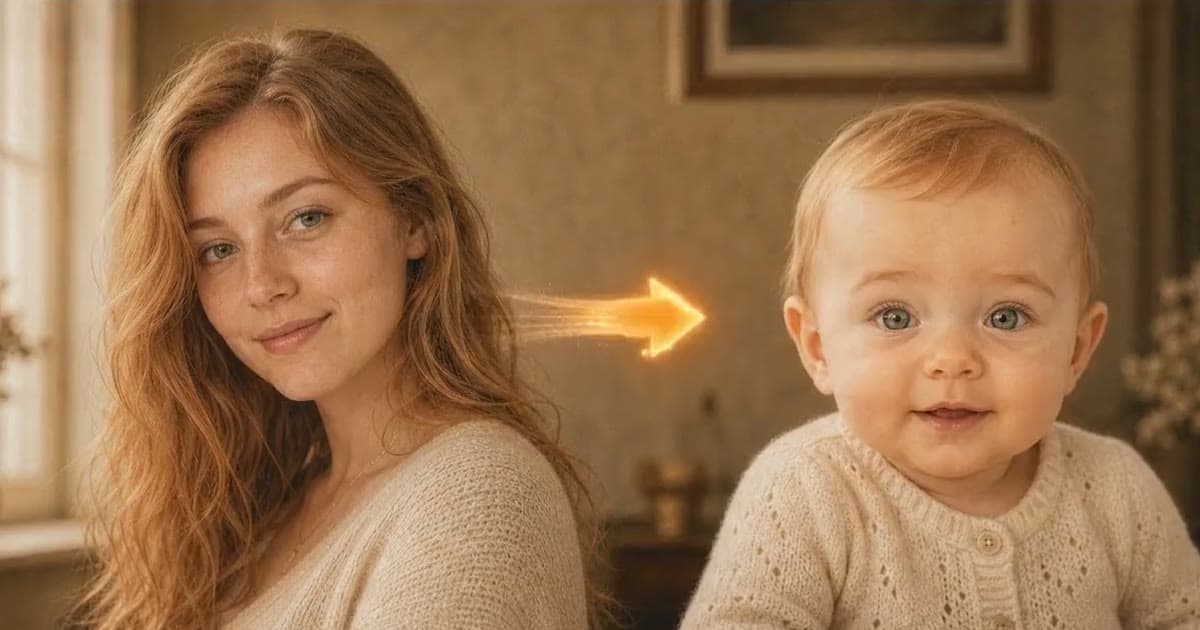
- Make a timeline. Use one source photo for a younger version of yourself, then today, then older, on one page. Couples can start the page with an imagined baby picture, purely as a joke.
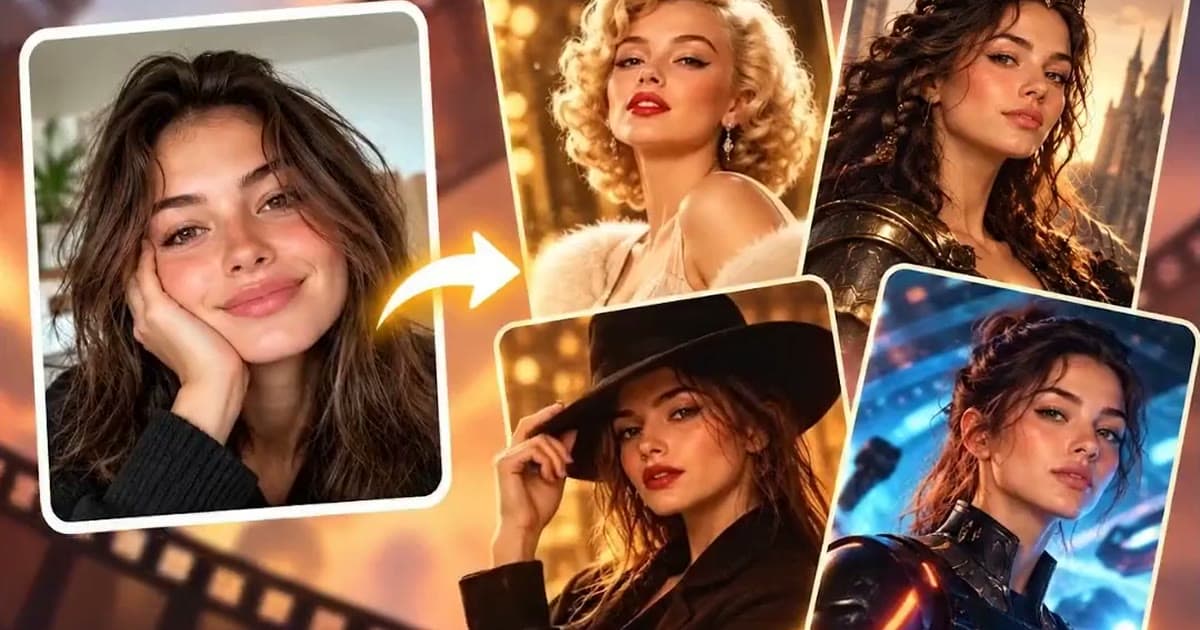
- Be a silver-haired hero. Use your older picture as the source for a movie character portrait.
- Seal it for later. Print it with the date on the back, put it in a drawer and look again in ten years. Expect it to be wrong. That is the joke.
Seeing yourself old can feel odd, and not everyone enjoys it. If you want to make one of a friend or parent, ask for their permission first and let them see it before anyone else does.
Frequently asked questions
Is an AI aging filter accurate?
No. It shows an imagined older face, not a forecast. Different photos of the same person can give different results, which shows how much of it is imagined.
Can an aging filter tell me anything about my health?
No. Do not use it to draw medical conclusions. If something about your skin or health worries you, speak to a doctor.
What is the best photo for seeing yourself older?
A clear, unfiltered photo of you facing the camera in soft daylight, with a relaxed expression and your hair off your forehead.
Can I use a photo of my partner or my parents?
Yes, with their permission. Ask first and show them the result before you share it, since not everyone enjoys seeing an older version of themselves.