Photold
How to Put Yourself in a Historical Photo
By the Photold team · · 5 min read
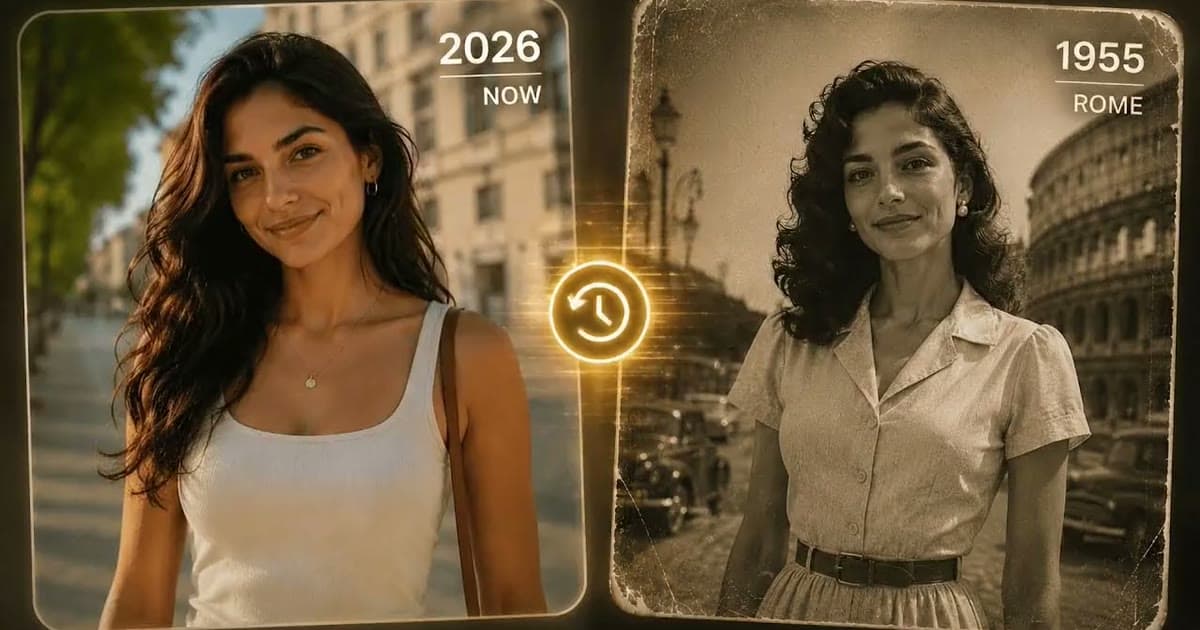
You can put yourself in a historical photo with one clear picture of yourself and an AI tool that changes what is around you. In Photold, this feature is called Time Travel. You pick a city and a period, and it changes your clothing and your surroundings only, so the picture still starts from you.
The result is an AI-made image, not a window into the past. It can be a lovely, funny or oddly touching picture, but no camera took it, and it cannot tell you what that street really looked like. Here is how to choose well, what to photograph and what to do with the result.
Choose a city and a period that mean something
A random city and era is fun once. A choice with a story behind it is the one you keep.
- A grandparent's hometown around the time they were born. If a small town is not on the list, use the nearest large city and say so when you share it.
- The city your family left. See yourself in the place your relatives talk about, in the years they talk about.
- Where your parents met, in the decade they met. Then show them, and let them tell you everything it got wrong.
- Your own city, long before you. It makes you look at a familiar place differently.
Recent decades invite comparison with real family photos. The further back you go, the more it becomes pure costume play.
Pick a source photo that gets out of the way
Your clothes and the background are the parts being replaced, so the source photo has one job: to show you clearly, in a simple pose. A photo of just you is the safest start. These are the things that cause trouble.
| In your photo | The problem | What to do |
|---|---|---|
| A phone, coffee cup or shopping bag | A modern object has no place in the scene | Use a photo with empty hands |
| Sunglasses, earbuds or a baseball cap | They hide your face or give away the present day | Take them off |
| Crossed arms or a big gesture | Complicated poses are harder to dress in new clothes | Stand straight with relaxed hands |
| Only your face in the frame | There is little of you to dress | Frame from the waist up |
| Deep shadow across your face | Your face is the part meant to stay, so it needs to be seen | Face soft daylight |
Since only clothing and surroundings are meant to change, bright dyed hair or a visible tattoo may come along for the ride. That can look wonderful or wrong, depending on your taste.
Know your city and your period? See yourself there with Time Travel.Try Photold
Why it is not a historical record
A picture like this looks like evidence, and it is not. The AI draws a plausible impression of that city and period. Buildings may be wrong for that street, signs may be invented, and the clothes are a believable guess, not what anyone in your family wore.
It also flattens history. A picture can show you strolling down a charming street, but it does not know who was poor, who was kept out of which neighborhood, or what your own relatives could afford to wear. Your family's real story may look nothing like this, and that is a good conversation to have with an older relative.
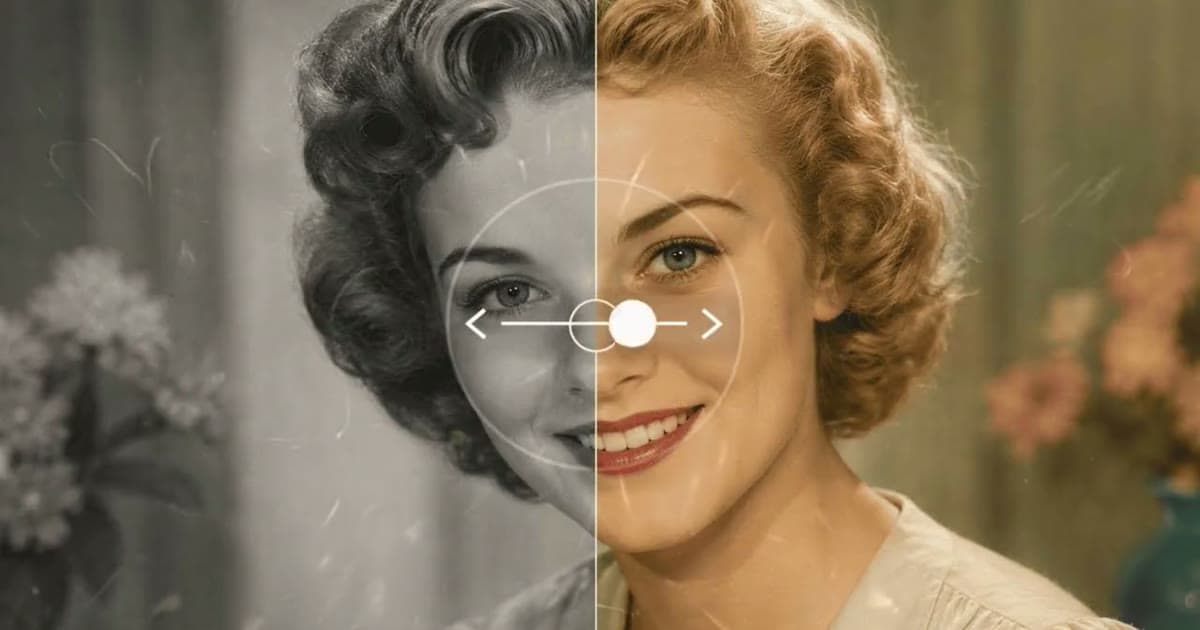
So keep these pictures out of the family tree, and say they are AI-made when you share them. If you want to work with the real past, start from real pictures. Colorizing a black and white photo begins with a genuine photograph, though even there, the colors are plausible rather than a historical record.
Fun ideas to try
- Spot the difference. Find a real old photo of the same place and period, in a family album or a local archive, and put it next to your result. Finding what the AI got wrong is a small history lesson, and children enjoy it.
- A card for a grandparent. Put a grandchild in the grandparent's hometown, around the time they were born, and let them tell the story of the real place. Ask the parents first.
- A set of postcards. Use one source photo, one city and several periods, and watch the clothes and streets change around you.
- A trip companion. Make one before you visit your family's old city, then try to find the street.
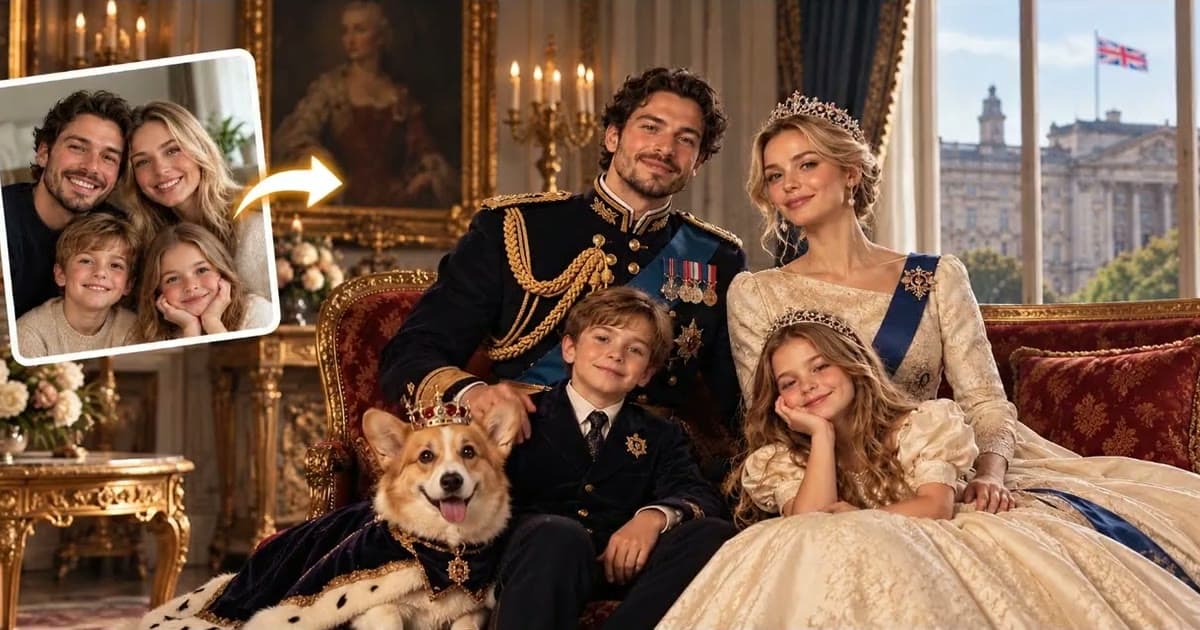
If you enjoy this, the next step away from history is a movie character portrait, which uses a film genre instead of a place. For pure fantasy, try a royal portrait from your photo. And if you use a friend or relative's photo for any of these, ask them first.
Frequently asked questions
Can I put myself in a historical photo without editing skills?
Yes. With an AI tool such as Photold's Time Travel, you upload a clear photo and pick a city and a period. The tool does the rest.
Does Time Travel change my face?
It is designed to change your clothing and surroundings only. Results vary with the source photo, so compare your face in the result with your photo and try a clearer one if it has drifted.
Is a time travel photo historically accurate?
No. It is an AI-made impression of a city and a period, not a record. Buildings, signs and clothes may all be wrong, so do not use it as evidence of anything.
What kind of photo works best for time travel?
A photo of just you with a clear face and a simple pose, framed from the waist up, with empty hands and no sunglasses.