Photold
Are Colorized Photos Accurate? The Honest Answer
By the Photold team · · 5 min read
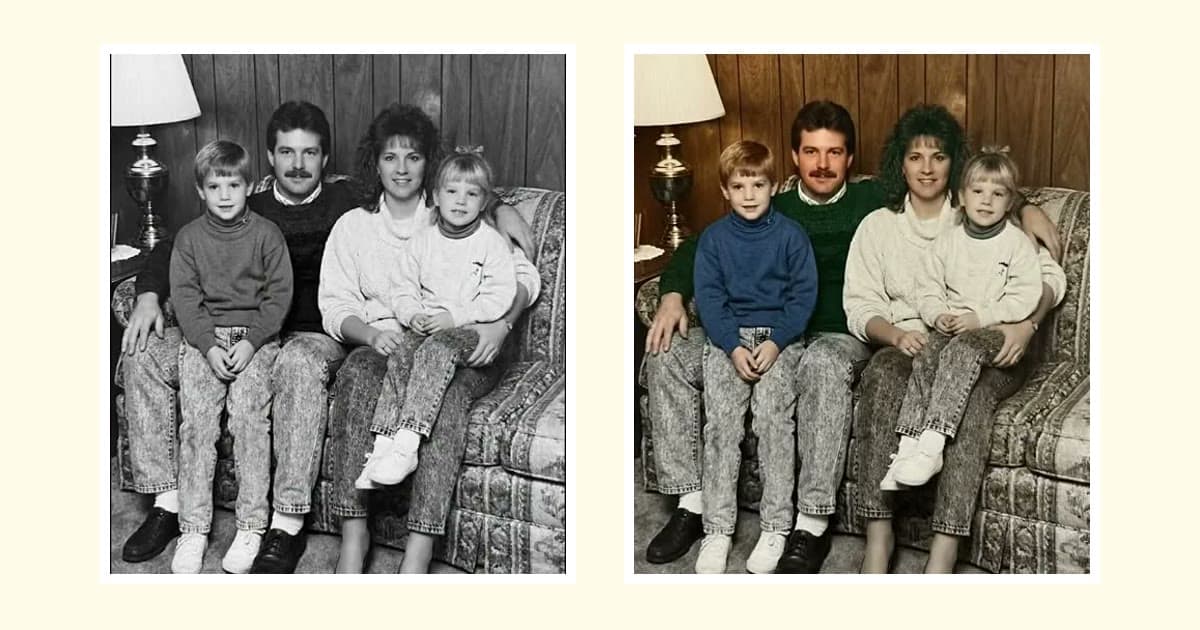
No, not as a record. A colorized photo shows colors that are plausible, not colors that were recorded, because a black-and-white photo never stored color in the first place. This is true of AI tools and of skilled artists working by hand. Both are making informed choices.
That does not make colorizing pointless. A careful version can make a face feel closer and a scene easier to imagine. It just needs to be read as an interpretation, and you can bring it nearer the truth with what your family and printed sources know.
Why a gray tone cannot tell you the color
A black-and-white photo records how much light reached each point, and nothing about the color of that light. A red scarf and a green scarf of similar brightness can come out as the same gray. No software can read the difference, because the difference is not in the file.
So a colorizer works from context. It recognizes a face, a sky or a leaf and picks the color such a thing usually has. That works well for some parts of a photo and badly for others, and it helps to know which is which.
| In the photo | How far to trust the color | Why |
|---|---|---|
| Sky, grass, leaves | Fairly far | They come in a narrow range of colors, though a gray day or a dry summer can still fool a tool |
| Skin | With care | Complexion is a fact about a person, and early film makes it hard to read |
| Hair and eyes | A guess unless someone remembers | One gray fits several colors |
| Clothes, cars, painted doors | Barely at all | People chose these colors, so there is no usual answer |
| Uniforms and insignia | Only once you have checked | A tool guesses, but the answer may be documented |
What early film did to skin and reds
Early film adds a second problem. It did not respond to color the way your eye does: it recorded darker skin and reds darker than they were. A red dress can look close to black. A person can look darker in the print than they were in life.
This matters in two ways. First, brightness is a poor guide to complexion, so a tool or an artist that simply follows the gray value may get the person wrong. Second, a dark jacket or a dark stripe in an old photo might have been red, and nothing in the picture says so.
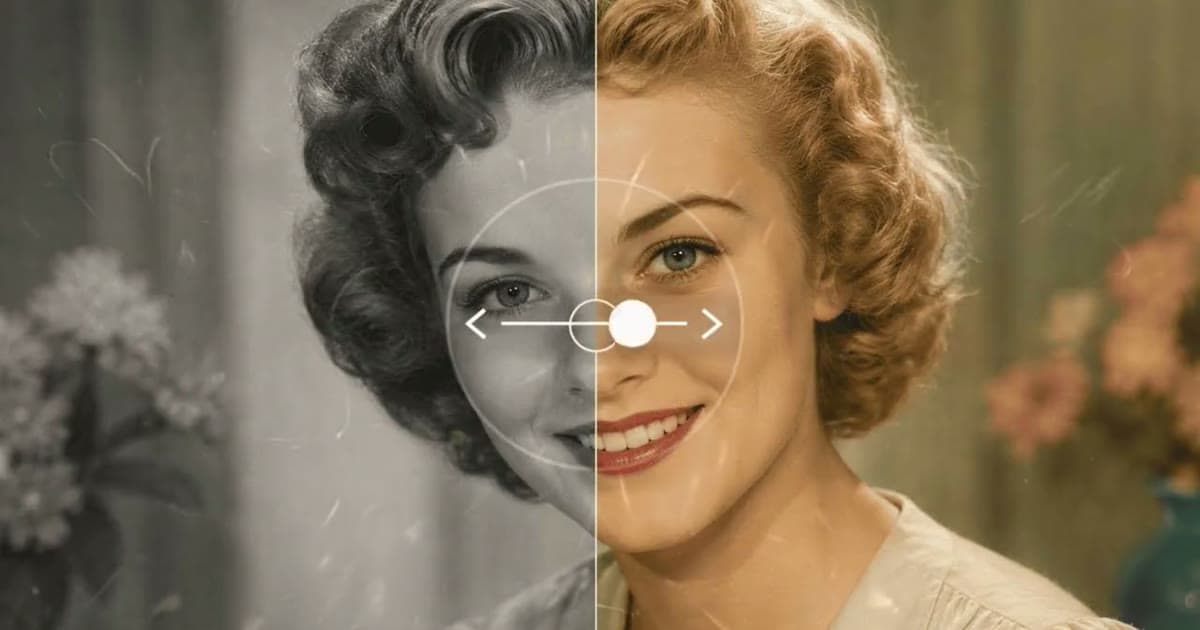
Skin tone is a fact about someone, not a style to apply. Photold treats it that way: Colorize infers complexion from features, hair and the tonal range rather than brightness, and does not lighten skin. That lowers the risk of a wrong complexion, but its colors are still plausible rather than historical record. We look at the same problem from another side in does AI restoration change faces?
See what a plausible version of your photo looks like in Photold, then check it against what you know.Try Photold
How to get closer to the real colors
You cannot get the color out of the photo, but you can often find it somewhere else.
- Ask the family before you show them the result. Hair, eyes, a favorite dress, the first car. A colored picture can sway what someone remembers, so ask first and write down the answers.
- Look for other evidence at home. A later color photo shows eye color and complexion. A dress in a trunk, a medal or a sideboard that survived can settle a color outright.
- Check known uniforms. Military, school and railway uniforms were often documented. Museums, regimental histories and reference books are good places to look. Match the period and the unit, because uniforms changed.
- Use printed sources for objects and places. Period advertisements, catalogs and color postcards show what colors cars, clothes and shop fronts came in. Treat them as a guide, since old printing had its own limits.
- Repaint only what you have confirmed. Fix that one area by colorizing it by hand in an image editor and leave the rest alone.
- Note what is checked and what is a guess. "Uniform: checked in a reference book. Hair: from Aunt Rosa. Wallpaper: a guess." A few lines kept next to the file save someone the same work later.
Why you should label a colorized photo as colorized
A color picture travels without its explanation. Send one to a family group, and one day a grandchild may assume that is how the day really looked. A label takes seconds.
- In the file name: add "colorized", and keep the black-and-white file beside it.
- In the caption: a line such as "Colorized. Colors are plausible, not recorded. Uniform color checked." is enough.
- When you post it: put the black-and-white version alongside, so people can see what the color was added to.
It matters most when you share a photo as history: on a local history page, in a school project, on a memorial or in an exhibition. People there can reasonably read it as evidence of how a uniform, a street or a community looked. A wrong skin tone or uniform color then misrepresents real people, and it can get copied without the caveat.
For more on what these tools do and do not know, see how AI photo restoration works.
Frequently asked questions
Can AI work out the true colors of an old photo?
No. The color was never recorded, so AI can only choose likely colors from context. The result can be convincing and still be wrong about a particular dress or car.
Are hand-colorized photos more accurate than AI ones?
Only when the artist has evidence, such as family memories or printed sources. Without it, a person is guessing too. The research makes more difference than the method.
Why does skin differ between colorized versions of the same photo?
A gray tone does not say which color made it, and early film recorded darker skin and reds darker than they were. Different tools and artists resolve that uncertainty differently, so check with someone who knew the person.
Can a colorized photo be used as historical evidence?
Not for color. The black-and-white photo is the record, and the color is an interpretation added later. Label it, and keep the black-and-white version with it.