Photold
How to Restore Old Wedding Photos
By the Photold team · · 6 min read
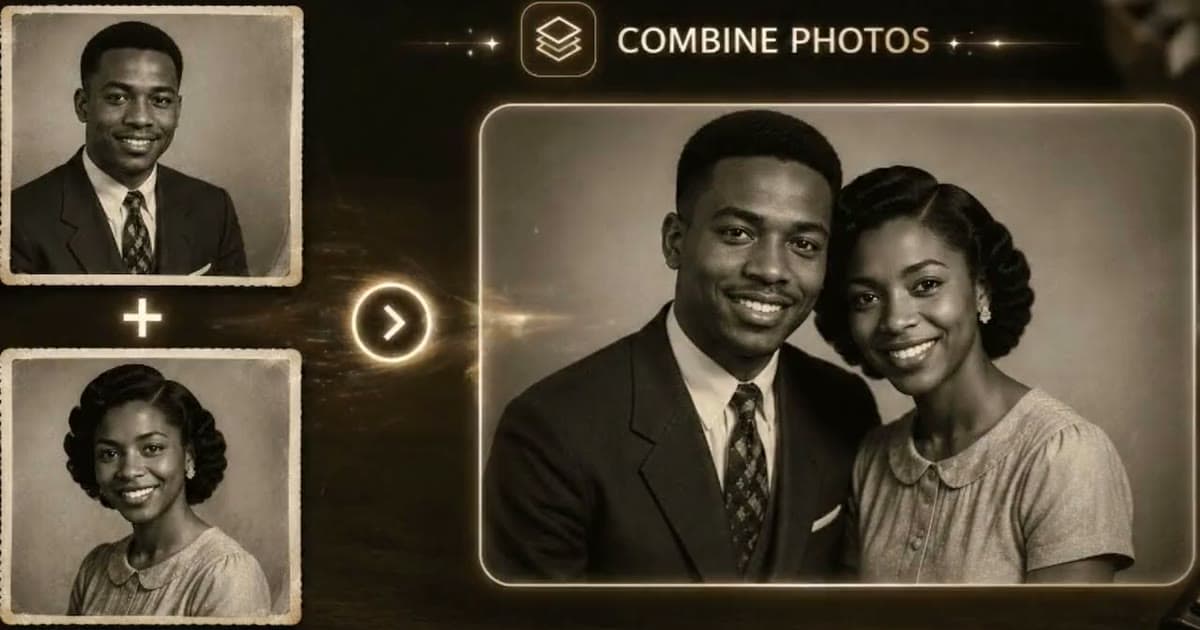
To restore an old wedding photo, copy it without taking it out of its album, repair the copy gently, and check every face before you order a reprint. The method is the same as for any old photo. What differs is where it goes wrong: a white dress with no detail left, faces no bigger than a fingernail, and prints that have fused to their album pages.
Find your problem below. If you want the general method first, start with how to restore old photos. Everything here works on a copy, so the print stays as it is.
Photos stuck in the album: photograph the page instead
Do not pry a stuck photo off the page. Force can tear the print or pull away part of its surface, and you do not need it loose to get a good copy. The Library of Congress warns against "magnetic" and sticky self-adhesive album pages. That is a reason not to buy them again, not a reason to start peeling.
- Open the album flat near a window with no direct sun, and support the spine so the page lies level.
- If a clear film covers the page and lifts without resistance, fold it back. If it clings, leave it on.
- Hold the phone parallel to the page and shoot one photo at a time, close enough that it nearly fills the frame. A shot of the whole page spreads your pixels across every picture on it.
- Look for the window's reflection in the film or the gloss, and shift sideways until it falls off the print.
- Shoot the whole page once as well. Handwritten names and dates are part of the record.
Working through the whole album? Digitizing a family photo album covers the larger job.
White dresses: how much detail is really left
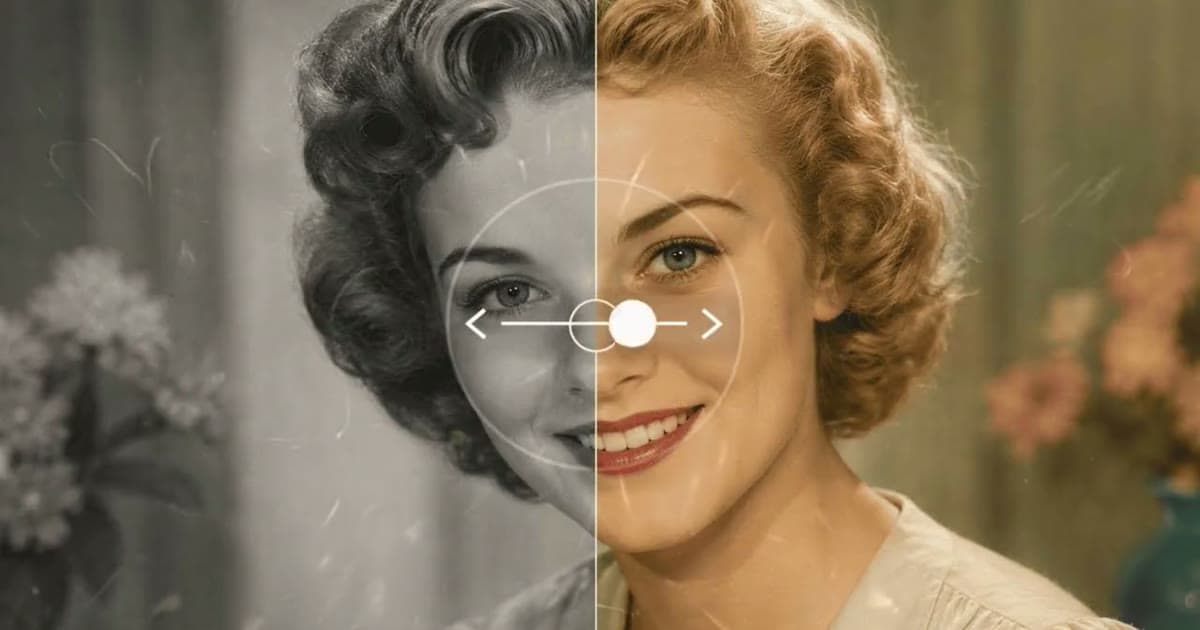
The dress is usually the first thing to go. It was the brightest part of the picture when it was taken, and fading pushes it further toward blank paper. Where you can still see faint lace or folds, a repair can bring them forward: Photold's Restore recovers faded detail in highlights as well as shadows.
Where the paper is plain white, there is nothing left to recover. A tool may draw lace there, but it is reconstructed rather than recovered, so the pattern may not be the one that was worn. If the family still has the dress, or a closer photo of it, compare.
You can also lose detail while copying. Cameras and scanners tend to push near-white tones to pure white, so keep the dress just below that: a copy that looks a little dark can be brightened later, while pure white cannot be brought back. Zoom in on the brightest fold. If the print shows texture there and your file does not, copy it again.
With a copy of your wedding photo in hand, see what a gentle repair does with the dress and the faces.Try Photold
Small faces in group shots
A large group on the church steps may give each guest a face no bigger than a fingernail. That is very little information, so any AI tool has to fill in a lot, and this is where likeness is most at risk.
- Copy for the faces. Start from the sharpest file you can get. The Library of Congress suggests 300 dpi as a starting point, and going higher makes sense for a small print you plan to enlarge.
- Check row by row. Zoom in and compare each face with the untouched copy. Faces that start to look alike, or smoother than they should, are the warning sign.
- Use the portrait as a reference. A close-up of the couple from the same day shows what their faces really looked like then.
- Try the lighter tool. If Restore feels like too much, Remove Scratches does the same physical repair without sharpening. Does AI restoration change faces? explains why this happens.
- Ask someone who was there. A person who knew the guests is the best judge of whether they still look like themselves.
Faded formal studio prints
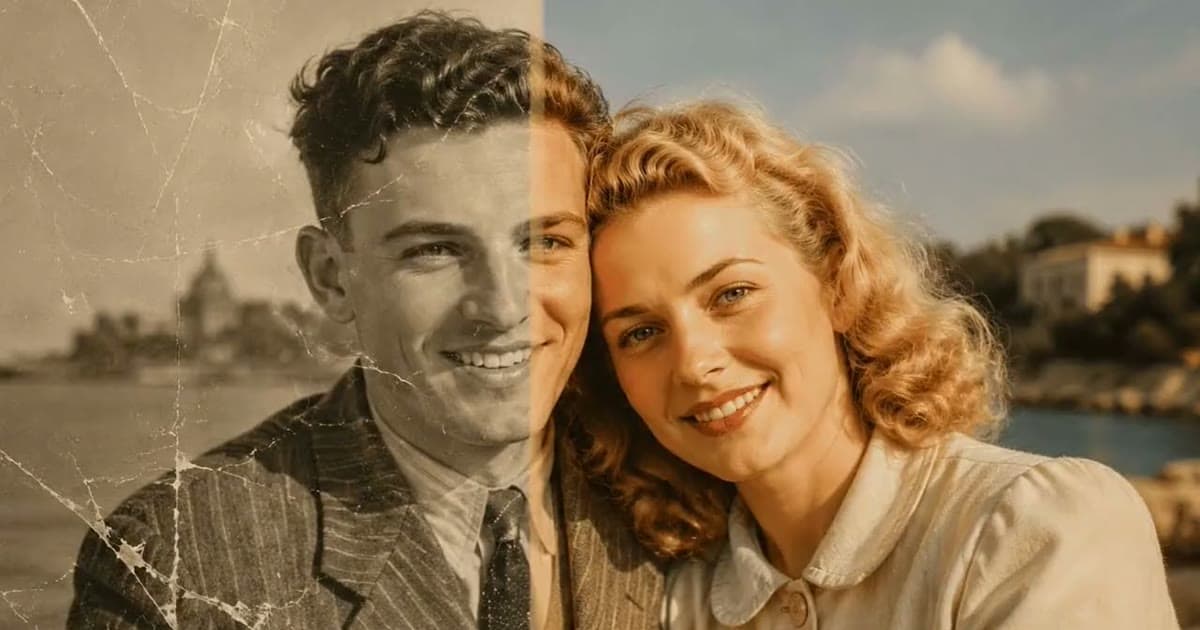
Formal studio portraits are often the best candidates in the album. They were lit and exposed with care, so the fading sits on top of a good picture.
Decide first whether you want to keep the look. Restore keeps the palette, so a sepia portrait stays sepia and a black-and-white one stays black and white. If a color print has gone orange, fixing faded and yellowed photos covers the manual correction. If you want color in a black-and-white portrait, Colorize is a separate step, and its colors are plausible rather than a record. It cannot know the color of the flowers or the bridesmaids' dresses, so if someone remembers, ask them.
If the print is mounted on a card or in a folder, leave it mounted and copy the whole thing as well as the picture. A studio's name and town are useful clues when you want to date a photo.
Anniversary reprints: order and size
For an anniversary print, follow this order.
- Repair the damage first.
- Colorize next, if you want color, and keep the uncolored version.
- Enhance last, so sharpening does not emphasize scratches or stains.
- Show the result to someone who knew the couple at the time.
- Order one small test print before the large one.
At 300 ppi, a 13 × 18 cm / 5 × 7 in print needs 1500 × 2100 px, and a 20 × 25 cm / 8 × 10 in print needs 2400 × 3000 px. Our guide to enhancing old photos for printing has the rest of the arithmetic, and restored photo gift ideas covers how to keep it a surprise.
Where the album should live afterwards
Put it somewhere cool, dry and stable. The Library of Congress advises 21°C / 70°F or below and 30 to 50% relative humidity, away from attics, basements, vents, radiators and exterior walls. Leave stuck prints where they are. Any loose prints can go into photo-safe sleeves of uncoated polyester, polyethylene or polypropylene, inside a photo-safe box.
Frequently asked questions
How do I get old wedding photos out of a sticky album?
You usually do not need to. Photograph each print where it sits, with the phone parallel to the page and soft light, and repair that copy. Forcing a stuck print can tear it.
Can AI bring back lace on a washed-out wedding dress?
If faint detail is still in the print, a repair tool can often bring it forward. Where the paper has gone blank white, any lace you see is reconstructed, not recovered.
Why do faces look different in a restored wedding group photo?
Small faces hold very little information, so AI fills the gaps with plausible detail. Compare each face with the untouched copy and a close-up of that person, and ask someone who knew them.
What size should an anniversary reprint be?
Let your file decide. At 300 ppi, 13 × 18 cm / 5 × 7 in needs 1500 × 2100 px and 20 × 25 cm / 8 × 10 in needs 2400 × 3000 px. Order one small test print first.