Photold
How to Make an AI Polaroid Hugging Your Younger Self
By the Photold team · · 6 min read
Photold is our own app, so we are not neutral here. What we say about other apps comes from their own public pages, checked on the date shown.
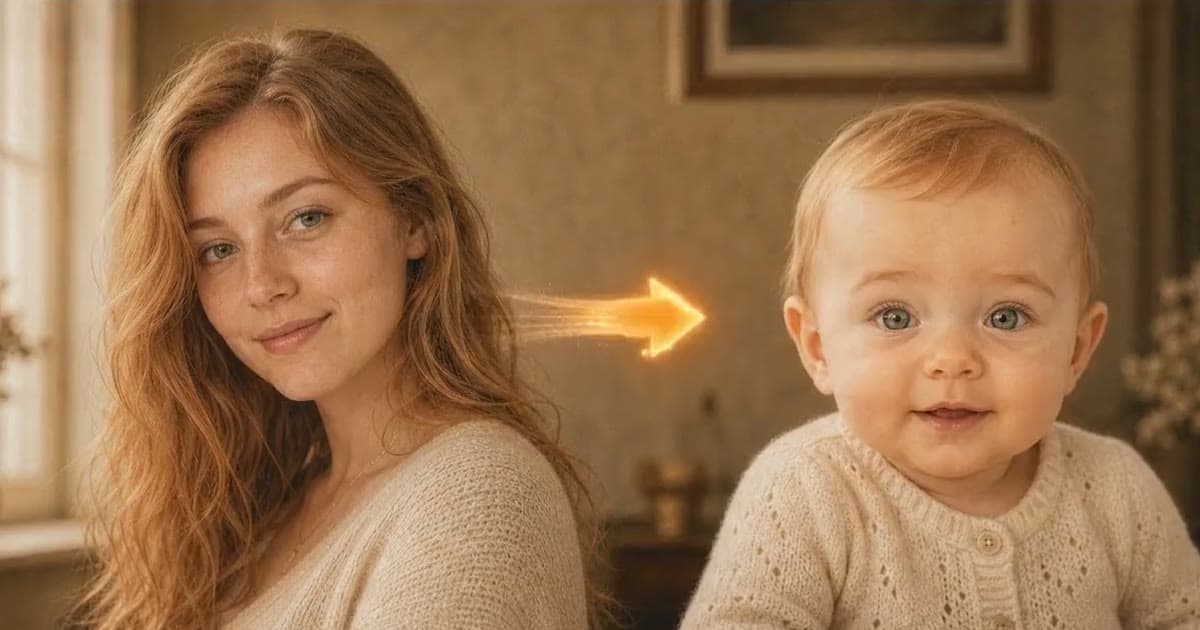
To make a photo of you hugging your younger self, you need two pictures: a childhood photo with your face clearly visible and a recent photo of you, ideally from the waist up. You give both to an AI image tool, ask it to put the two of you in one frame with your adult self holding your child self, and tell it to keep both faces exactly as they are.
The idea spread fast in 2025: Google lists "You with your younger self" among the best Nano Banana trends of the year. Below: how to choose the two photos, a prompt that works, how to get the instant-camera look many people share, and what Photold can and cannot do here.
Choose the two photos
The tool has to fit two people from different decades into one picture. The more the two photos already agree, the less it has to change, and the more each face stays yours.
| Check | Childhood photo | Recent photo |
|---|---|---|
| Face | Clearly visible, not a tiny face in a group | Facing the camera, no sunglasses or hat shadow |
| Framing | Head and shoulders or more | Waist up, with your arms in the frame |
| Light | Soft light, no harsh flash if you have a choice | Light from the same side as the childhood photo |
| Condition | Repaired first if scratched or faded | Sharp, without a beauty filter |
If the childhood photo is a print, scan it flat with your phone and remove the scratches before you start. Damage left in the photo tends to end up in the new picture. If you only have a group photo, crop out your face; a tight crop is fine as long as it is sharp.
A prompt that keeps both faces
Google's example prompt for this trend asks for "my older self hugging my younger self" and adds "Don't change the faces." Build on that and say which photo is which:
"The first photo shows me as a child. The second shows me now. Create one photo of my adult self kneeling and hugging my younger self, both of us looking at the camera. Keep both faces, ages, expressions, hairstyles and skin tones exactly as in the photos. One soft light from the side, a plain home background, nobody else in the picture."
- Name the pose in plain words. Kneeling, an arm around the shoulders or the child on your lap all keep the heights believable.
- Say "keep the ages". Without it, the tool may make the child older or you younger to make the pair look alike.
- Ask for one light. Two faces lit from different sides are what make a picture look pasted together.
- Upload both photos in the same message. In Gemini you need to be signed in, and Google says editing images is not available to users under 18.
Get the AI polaroid look
Many versions shared online, often called an AI polaroid, look like a small instant photo with a white border. Google's own example asks for "an image that looks like it was taken with an instant photo camera". Add a line such as: "Make it look like an instant camera photo: slightly soft focus, a little on-camera flash, warm faded colors and a white border."
A few variations that make the picture feel like yours rather than a template:
- Match the film look of your childhood photo: "colors like a family snapshot from the 1990s".
- Put both of you in the place the childhood photo was taken, described in one sentence.
- Keep a detail from the old photo, such as a favorite toy or a birthday cake, and say so in the prompt.
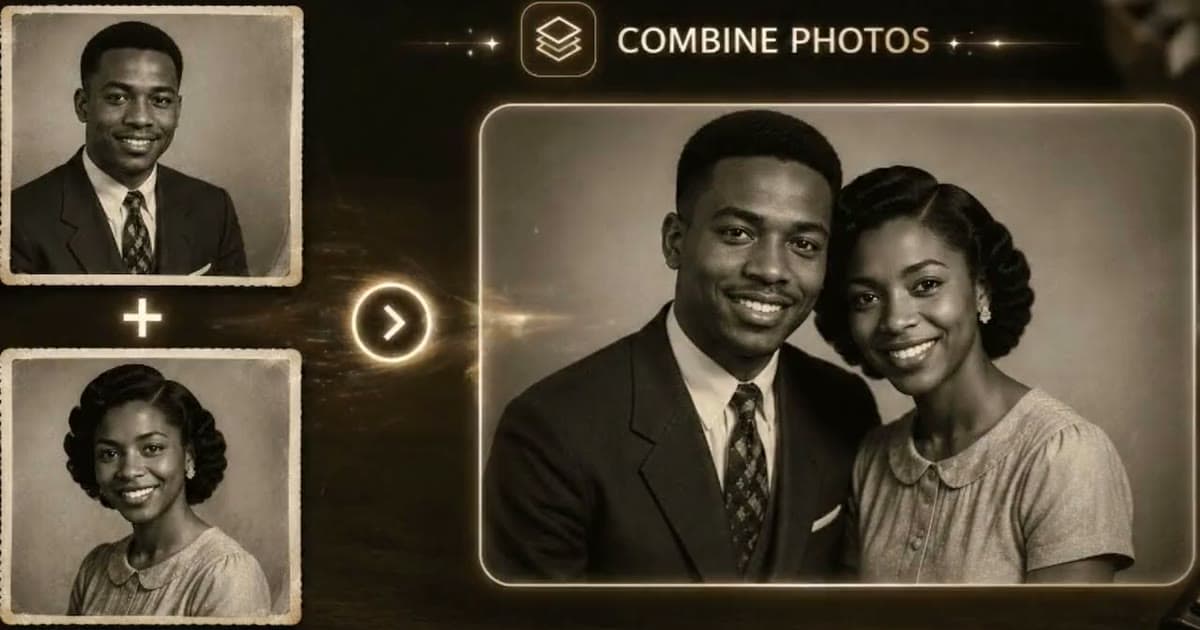
Want the two of you in one frame without writing a prompt? Try Combine Photos in Photold.Try Photold
Doing it in Photold, and what to expect
Photold's Combine Photos takes two photos and puts the people from both into one image under one light, with matching perspective, shadows and film look. It is told to keep each person's face, age and skin tone, so your child self stays a child and you stay you.
The honest limit: you cannot type a pose. The two of you will stand close, side by side or lightly interacting, but a full hug is not something you can ask for. If the embrace is the whole point, a prompt in a general image assistant is the better tool. If you want a natural picture of the two of you together without writing and rewriting prompts, Combine Photos is quicker. Our guide to combining two photos into one explains how to pick a pair that blends well.
No childhood photo at all? Younger You in Photold makes an imagined younger version of you from a recent photo; see how to see yourself younger. It is an imagined picture, not a record of how you looked, so a real childhood photo will mean more here.
Check it before you share it
- Cover the adult in the result and compare the child's face with your childhood photo: eyes, nose, mouth, ears, hairline.
- Do the same for your adult face.
- Count hands and arms. Hugs are where extra fingers and arms that belong to nobody tend to appear.
- Check that neither of you looks paler or darker than in your own photo.
- If a face has drifted, try a different source photo rather than running the same pair again.
When you post it, a short "made with AI" in the caption is enough. And if you want to include a sibling, a partner or a parent in a version like this, ask them first. Making a photo with someone who has died is a different and more personal thing; our guide to adding a loved one who has passed away to a photo covers it with care.
Frequently asked questions
What is the "hug my younger self" trend?
People combine a childhood photo and a recent photo with AI to make one picture of their adult self holding their child self. Google lists it among the most popular Nano Banana trends of 2025.
What prompt should I use for hug my younger self?
Say which photo is which, describe the pose in plain words and ask to keep both faces, ages and skin tones exactly as they are. Add a line about an instant camera look if you want the white-border style.
Can I make the photo for free?
Gemini lets signed-in adults edit images, with daily limits. On the Photold website you can try one image feature, Combine Photos included, once for free without an account.
Why does my younger self look different in the result?
The tool redraws both people to fit one scene, and a small or blurry childhood face gives it little to hold on to. Use a sharper, larger childhood photo and ask explicitly to keep the face and age.