Photold
How to Scan Film Negatives With Your Phone
By the Photold team · · 6 min read
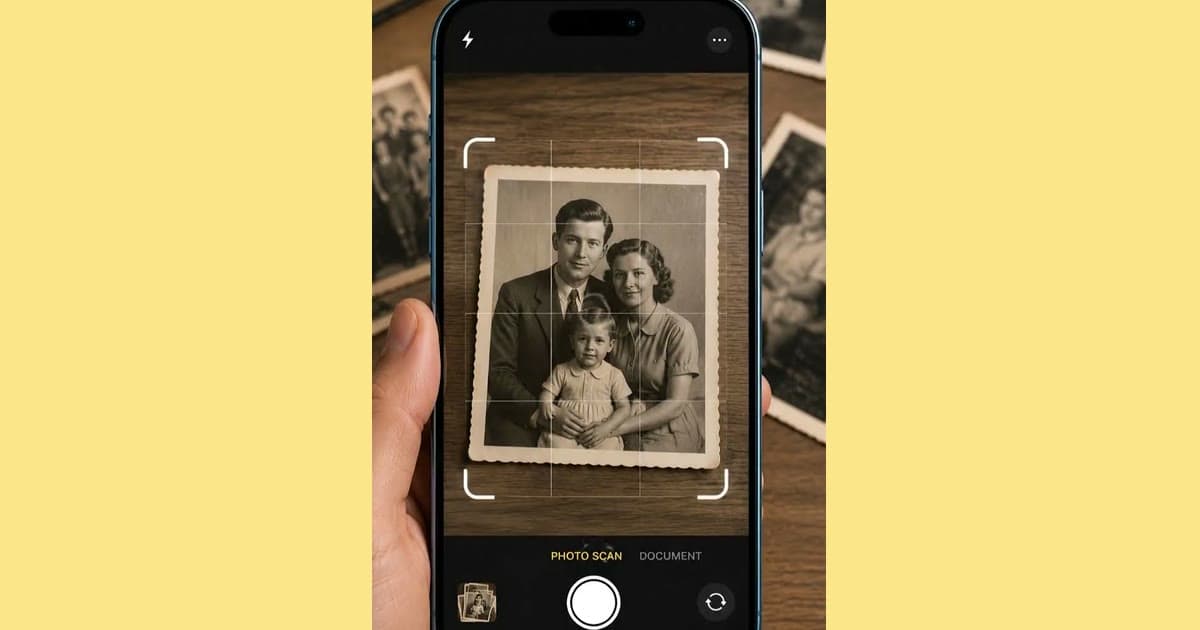
To scan a film negative with your phone, put it on an evenly lit white surface, such as a tablet showing a plain white screen or a light box, hold the phone parallel above it, take the photo, then invert the image so that dark becomes light. Color negatives need one more step, because of their orange tint.
Be realistic about the result. A phone scan is good for seeing what is on a strip, sharing with family and deciding which frames deserve more. It will not match a good lab scan, so for a negative you cannot replace, treat the phone version as a preview.
Why negatives need a different setup from prints
A print reflects light, so you light it from the front. A negative is see-through, so the light has to come from behind it. Shoot one lying on a table and you get a dark, shiny strip with very little to see.
Its tones are also reversed, so every capture needs inverting afterwards. And it is small. You can scan a print with your phone from a comfortable distance, while a negative asks the camera to focus close on a tiny frame, where dust and softness show up at once.
What you need for a backlit setup
- A light source. A light box gives the most even light. A tablet works too: open a plain white image and turn the brightness up. Wipe the screen first, since smudges show through.
- Something to soften a tablet's light. Close up, the screen's pixel grid can appear in the shot. A sheet of thin white paper between the screen and the film helps.
- A way to keep the strip flat. Use a film holder, or cut a window the size of one frame in dark card and lay it over the strip. The card also blocks the light around the frame, which would otherwise wash out the picture. Never tape the film.
- A steady phone. Use a small tripod or two stacks of books, with the phone parallel to the film. A tilted phone throws one side out of focus.
- A dim room. Turn off the overhead lights. Film is shiny, and they will show up as reflections.
Handle film the way the Library of Congress advises for photographs: with clean hands or clean nitrile gloves, by the edges, without touching the image. The National Archives warns that fingerprints can cause permanent stains. Remove loose dust with an air bulb, not canned air, because even soft brushes can scratch.
How to scan a negative, step by step
- Set up the light in the dim room and put the paper and the card in place.
- Hold the strip by its edges and puff loose dust off both sides.
- Lay it on the light with one frame in the window, and check that it lies flat.
- Put the phone above it, parallel, as close as it can get while still focusing. If the picture will not sharpen, move back a little and crop later.
- Hold still and take a few shots of each frame. Keep the sharpest.
- Invert the image in an image editor. A black-and-white negative now looks like a normal gray photo, and it may need a contrast adjustment.
- Look for writing or a license plate. If it reads backwards, the image is flipped, so flip it back.
- Save the untouched capture as well as the inverted copy, so you can redo the color later.
Try Negative Scan in the Photold mobile app on one frame before you commit to a whole strip.Try Photold
How to deal with the orange cast on color negatives
Color negatives have an orange base that is part of the film, not damage. Invert one as it is and the whole picture turns blue. That is normal. Work in this order instead.
- Before inverting, set the white balance in your image editor using the blank strip of film between frames. That removes most of the orange.
- Invert the image.
- Fine-tune by eye, using something that should be neutral, such as a white shirt.
Expect some trial and error, since a tablet's white is not neutral and old color film can shift with age. Black-and-white negatives have no orange base, which makes them much easier on a phone.
Using Negative Scan in Photold
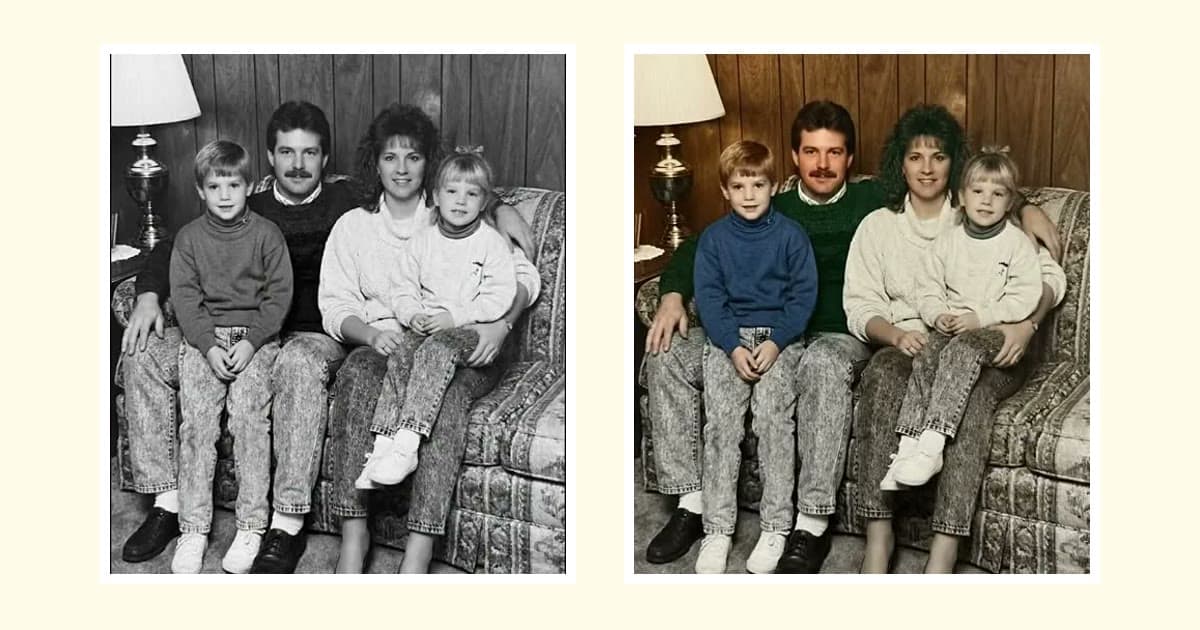
Negative Scan is a camera flow for film negatives in the Photold mobile app. It is not available on the web. The same physical rules still apply: bright, even light behind the film, a flat strip and a steady phone. Once you have a positive, it is a scan like any other. You can repair it, or colorize a black-and-white frame as a separate step.
What a phone cannot do, and when a lab is worth paying for
The Library of Congress says negatives and slides warrant higher resolutions than the 300 dpi starting point for prints. A phone is limited by its lens and how close it can focus, as well as by its pixel count, so corners tend to go soft and the finest detail stays out of reach. Pay for a lab scan in these cases.
- It is the only copy. No print survives, or the print is badly damaged, and the photo matters to your family.
- You want to print it large. A phone capture shows its limits quickly when enlarged.
- The film is in poor shape. If it is brittle, or stuck to itself or its sleeve, do not force it. Ask a lab or a conservator.
Your phone still helps here: scan the strip roughly, then send only the frames that deserve it. Ask a lab for its scanner's true optical resolution, since the Library of Congress notes that many scanners claim more than theirs, and ask how your film is packed and returned.
How to store negatives after scanning
A scan does not replace the film. Keep negatives separate from prints, because some give off harmful gases, in enclosures of uncoated polyester, polyethylene or polypropylene. For film negatives, the Library of Congress says temperature is the controlling factor and recommends 4°C / 40°F or below. A normal room cannot reach that, so choose the coolest stable place you have. Our guide to preserving old family photos covers the rest.
Frequently asked questions
Can you scan negatives with just a phone?
Yes, if you have light behind the film. A tablet showing a plain white screen or a light box works, and you then invert the image in an editor. The quality suits sharing and choosing frames.
Why does my negative look blue after inverting it?
Color negatives have an orange base, and inverting turns that orange into blue. Set the white balance from the blank film between frames before you invert.
What resolution should I scan negatives at?
The Library of Congress says negatives and slides warrant higher resolutions than the 300 dpi starting point for prints. A phone has no dpi setting, so for an important frame, ask a lab what its scanner really resolves.
Can I use Negative Scan on the web?
No. Scan Photo and Negative Scan are camera flows in the Photold mobile app, not on Photold Web.