Photold
How to Fix Blurry Old Photos
By the Photold team · · 6 min read
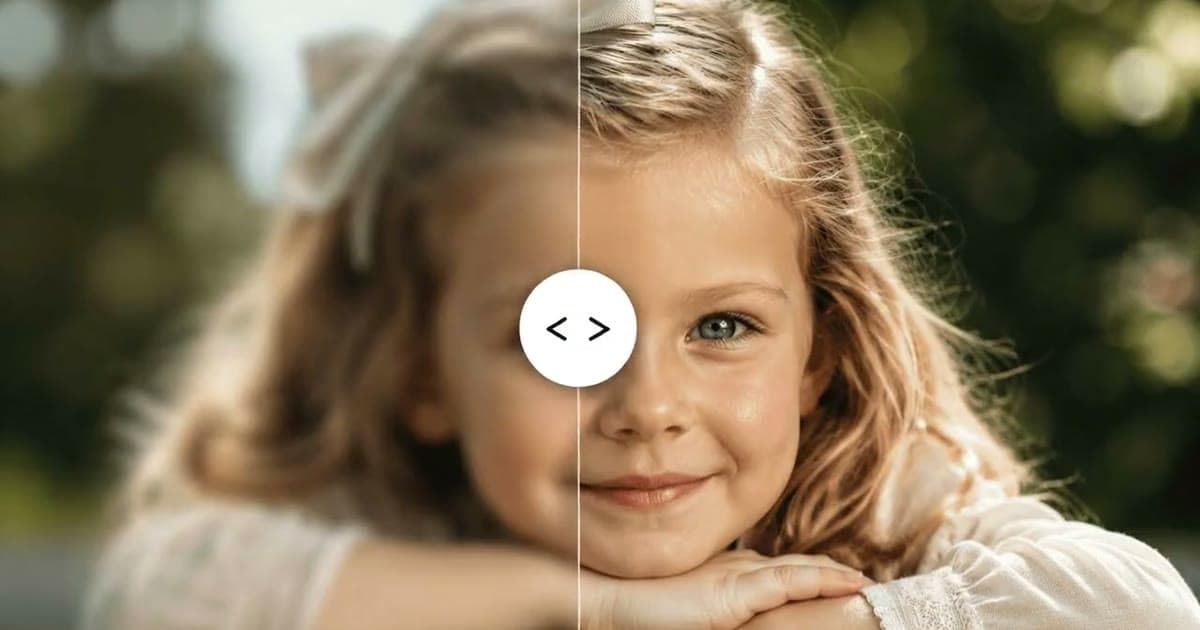
To fix a blurry old photo, first find out where the blur came from. If the print is sharper than your file, a better scan is often the biggest gain you can get. If the print is blurry too, an AI tool can make it look sharper, but it adds plausible detail rather than recovering what the camera never recorded.
So "unblurring" a photo means one of two things: getting more of what is really there, or drawing a convincing version of what is not. Both have their uses. It helps to know which one you are doing, especially when a face is involved.
Where the blur came from
Start with a magnifying glass. Look at the print through it, then look at the same spot in your file. If you can see an eyelash, a button or a weave in the print that your file does not show, the blur is in your copy, and you can fix that without any AI at all.
| What you see | Likely cause | What helps most |
|---|---|---|
| Print looks fine, your file does not | A poor scan or phone capture | Rescan the print |
| Blocky squares and halos around edges | A compressed copy of a copy | Find the print or an earlier file |
| A tiny print with tiny faces | A small print with little detail to begin with | Scan at a higher setting, then enhance |
| Soft all over, in the print too | Out of focus when it was taken | HD Enhance, with modest expectations |
| Streaks in one direction across the whole picture | The camera moved | Enhance may help a little, but streaks are hard to undo |
| Sharp background, one smeared person | That person moved | Any face you get back is a reconstruction |
Why rescanning is often the biggest gain
An AI tool can only work with what you give it. The more real detail in the file, the less it has to guess. So get the best copy you can before you sharpen anything.
- Find the best source. Each copy of a copy loses a little more, and chat apps often compress pictures on the way. Ask who holds the print, or the first file.
- Start at 300 dpi. The Library of Congress recommends it as a starting point for prints, and warns that higher resolution mostly shows defects. Go higher for a small print you plan to enlarge.
- Do not trust the biggest number on the box. The same article notes that many scanners claim more than their true optical resolution. Above that limit you get a bigger file, not more detail. To find it, scan a small print at two settings and compare them at the same display size. If the higher one shows nothing new, you have passed the useful limit.
- Check for a negative. Negatives and slides do warrant higher resolutions, and a negative may hold more than a small print made from it. See how to scan film negatives with your phone.
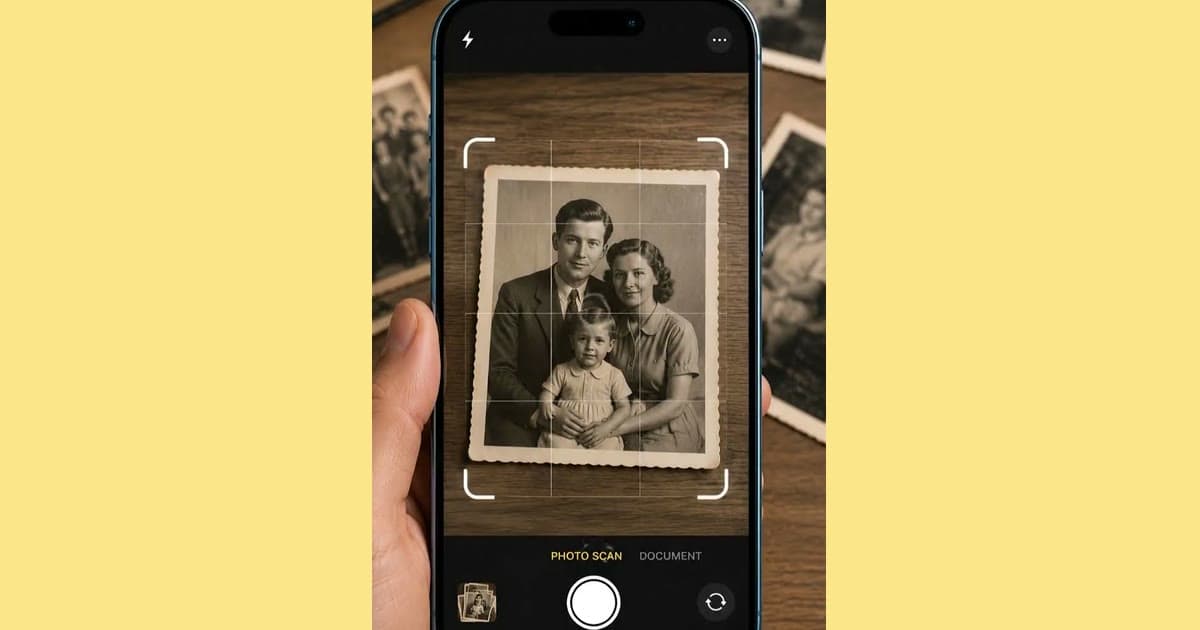
- On a phone, remove the causes of blur. Rest the phone on something steady, add light from a window and move closer rather than zooming. Our guide to scanning old photos with your phone has the full setup.
What HD Enhance does
Photold's HD Enhance gives sharper detail, gentle denoising and better local contrast. It is built to avoid over-sharpening and plastic skin, and it must not change identity or complexion. Results vary with the source, so a clean scan gives it the best chance.
If your best copy is still soft, see what HD Enhance does with it.Try Photold
If the photo also has scratches or creases, repair those first with Restore or Remove Scratches, because sharpening makes damage more visible. Then run HD Enhance once. Stacking several enhancers tends to add a waxy, artificial look rather than more detail.
AI sharpening adds detail rather than recovering it
A camera that was out of focus never recorded those eyelashes. AI has learned what eyelashes usually look like, and it draws likely ones in the right place. The result can look convincing, and for a photo on the wall that may be all you want. But it is a picture of what was probably there, not evidence of what was.
- Do not read text from an enhanced version. A name on a sign, a number on a uniform or a date on a banner may be made up. Go back to the scan.
- Do not use it to settle who someone is. If the family is arguing about which uncle that is, look at the untouched scan.
- Keep the untouched scan next to the enhanced version, with a clear file name for each.
How to judge a face afterwards
- Put both versions side by side at the same size, on the largest screen you have.
- Go through the features one at a time: the shape of the eyes and lids, the line of the nose and mouth, the teeth, the ears, any mole or scar.
- Look for the signs of invention: eyes that match too well, skin too even for the person's age, hair that ends in a smooth edge, a pale halo around the head.
- Compare with another photo of the same person, taken around the same time if you can find one.
- Zoom out to the size you will really view or print it. Some softness that bothers you at full zoom may not matter there.
- Ask someone who knew them. They are the best judge. If they hesitate, step back to a lighter version.
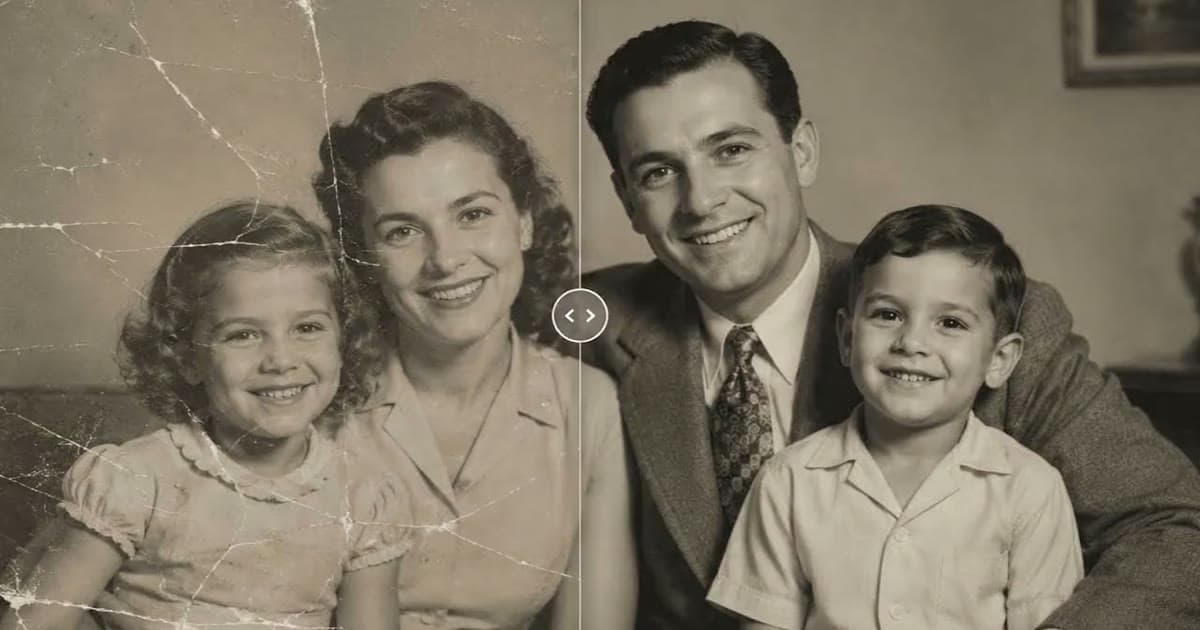
A slightly soft photo that looks like them beats a crisp one that does not. Our article on whether AI restoration changes faces goes further into why this happens. If you are getting the photo ready for paper, enhancing old photos for printing covers how large you can go.
Frequently asked questions
Can you really unblur an old photo?
You can make it look sharper, but you cannot recover detail the camera never recorded. AI adds plausible detail, so treat the result as an improved picture rather than new information.
Does scanning at a higher dpi fix blur?
Only if the print holds more detail than your current file. Past that point you get a larger file and more visible defects, and many scanners claim more than their true optical resolution.
Can AI make blurry text readable?
Not reliably. It may draw letters that look right but are invented, so read names and dates from the untouched scan.
Why does my relative look different after sharpening?
Where little detail remains, AI fills in what is likely, which may not be what that person looked like. Go back to the scan, try a better copy or a gentler step, and ask someone who knew them.