Photold
Water Damaged Photos: What to Do Now, and What Can Be Repaired Later
By the Photold team · · 6 min read
If your photos are wet, treat the next 48 hours as your window. The Library of Congress warns that mold can start in as little as 48 hours, and that freezing within that time may be necessary. First make sure the area is safe. Leave any repair for later.
Repair comes much later, on a scan of the dry print, so the only goal today is to stop things getting worse. The Library's guide is aimed mainly at books but can be adapted to photographs. Steps with a link below come from it, and the rest are our own advice.
Emergency checklist for wet photos
- Check that the area is safe. Do not begin salvage if it may be unsafe. No photo is worth that risk.
- Note the time. Mold can start in as little as 48 hours, so you need a plan before then.
- Move the photos out of the water, keeping stacks and albums together. Carry them on a tray or a board, since wet prints are soft and easily marked.
- Set aside anything in a case. Daguerreotypes and ambrotypes cannot be frozen. Ask a conservator about these.
- Do not force stuck photos apart. A wet surface is soft, and peeling can take the picture with it. Leave the stack as it is.
- If you cannot deal with everything in 48 hours, consider freezing. Freezing may be necessary in that window, and a household freezer at its coldest setting is an option. Read that page before you start.
- Photograph anything you fear losing. A quick phone picture, even of a wet print, is a record of what was there.
- Call a conservator about valuable photos. For a one-of-a-kind or valuable photo, get advice before you do more.
| What you have | Can it be frozen? |
|---|---|
| Most photographic prints | Yes, according to the Library of Congress |
| Most film negatives | Yes, according to the Library of Congress |
| Daguerreotypes | No |
| Ambrotypes | No |
| Any other cased photograph | No: keep it out of the freezer and ask a conservator |
A word on rinsing. You may read elsewhere that wet photos should be rinsed. The Library of Congress guide does not tell you to, so we do not either. If a photo is valuable, ask a conservator before more water touches it.
Loose prints, stuck prints and prints stuck to glass
This is our own advice rather than the Library's. Each case calls for something different.
- Loose prints. Lay them face up on clean paper, in a room with moving air, away from heat and direct sun. Skip the hair dryer.
- Stacks and album pages stuck together. Leave them together. Freezing, where it is suitable, buys time to find a conservator. A photo you pull apart today cannot be put back.
- A print stuck to the glass in a frame. Leave it in the frame and photograph it through the glass, then ask a conservator whether it can be separated.
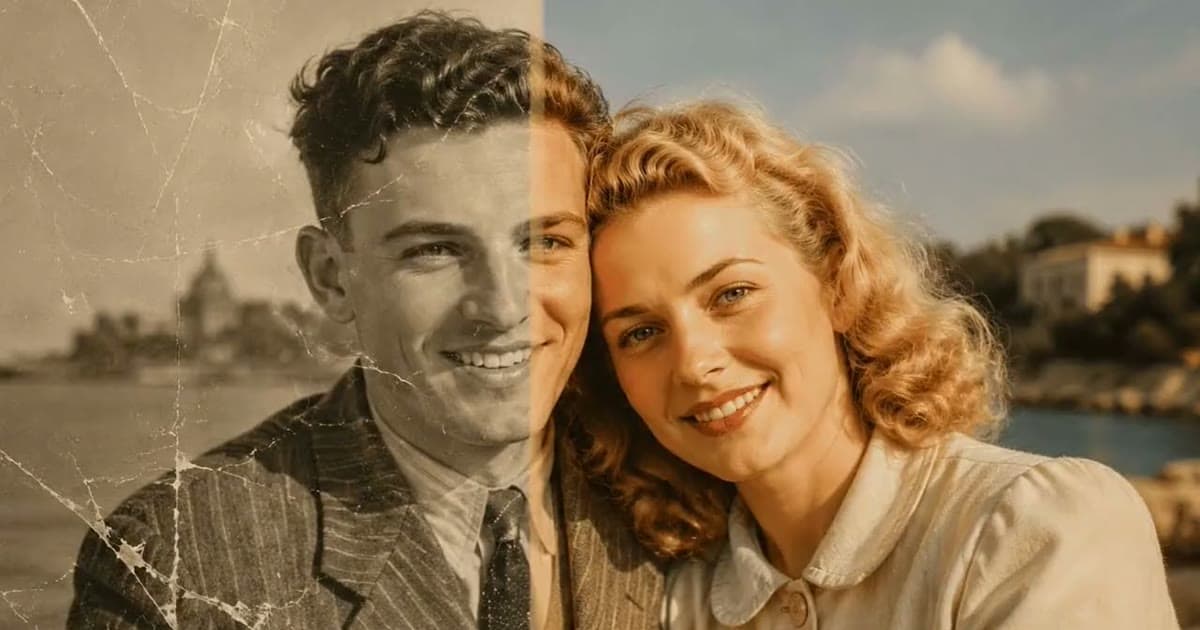
Once a print is dry and scanned, see what a repair can do with the stains.Try Photold
Scanning the print once it is dry
A print that has been wet often dries curled or rippled, so it reflects light unevenly. Do not force it flat. Those ripples are why the copy needs more care than usual.
- On a flatbed, clean the glass and lower the lid gently, without pressing. Scan at 300 dpi, the starting point the Library of Congress recommends for prints.
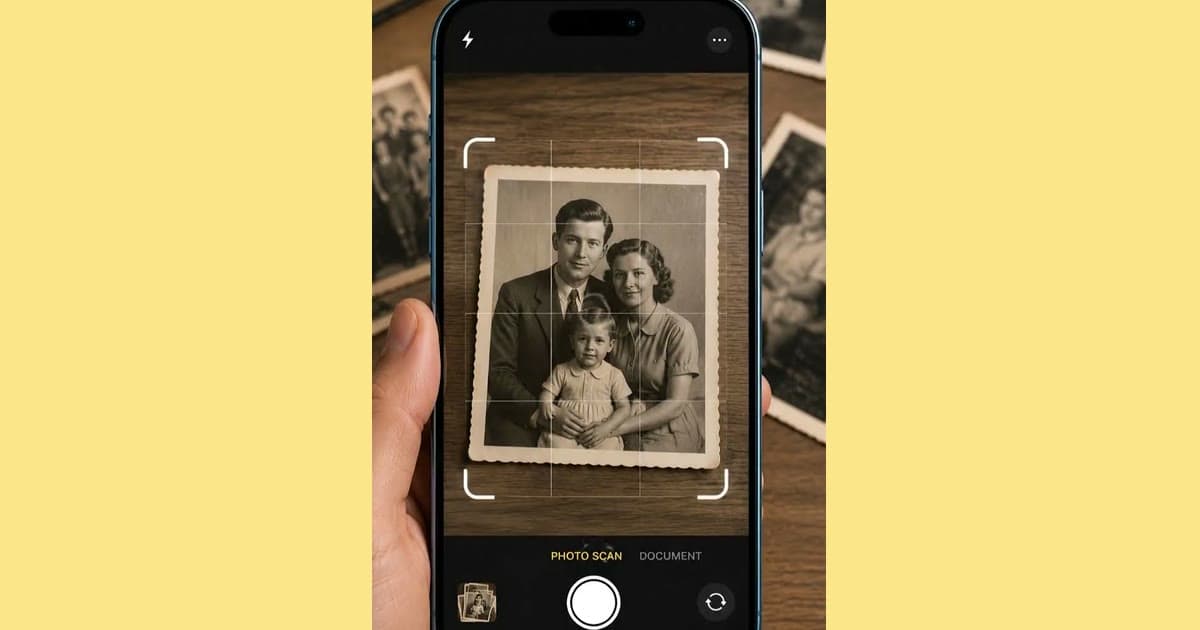
- With a phone, use soft light from a window with no direct sun. Take a few shots from slightly different positions and keep the one with the fewest bright patches. Our guide to scanning old photos with your phone has the setup.
- Keep this first copy untouched. It is your reference for everything that follows.
What restoration can do with tide marks and stains
Water leaves two kinds of mark. Some sit over a picture that is still there, and repair tends to handle those well. Others mean the picture itself has gone, and then a repair is drawing rather than cleaning.
| What you see | What a repair can do | What to expect |
|---|---|---|
| Tide marks: wavy lines where the water stopped | Clean them from the copy | Often the most repairable, since the picture is still underneath |
| Brown or yellow blotches | Even them out | Check that skin tones still look natural |
| Patches where the image lifted or stuck to something | Rebuild them, as with a tear | Reconstructed, not recovered: fine on a background, a best guess on a face |
| Large areas washed away | Little to work from | A retoucher with other photos of the person may do better |
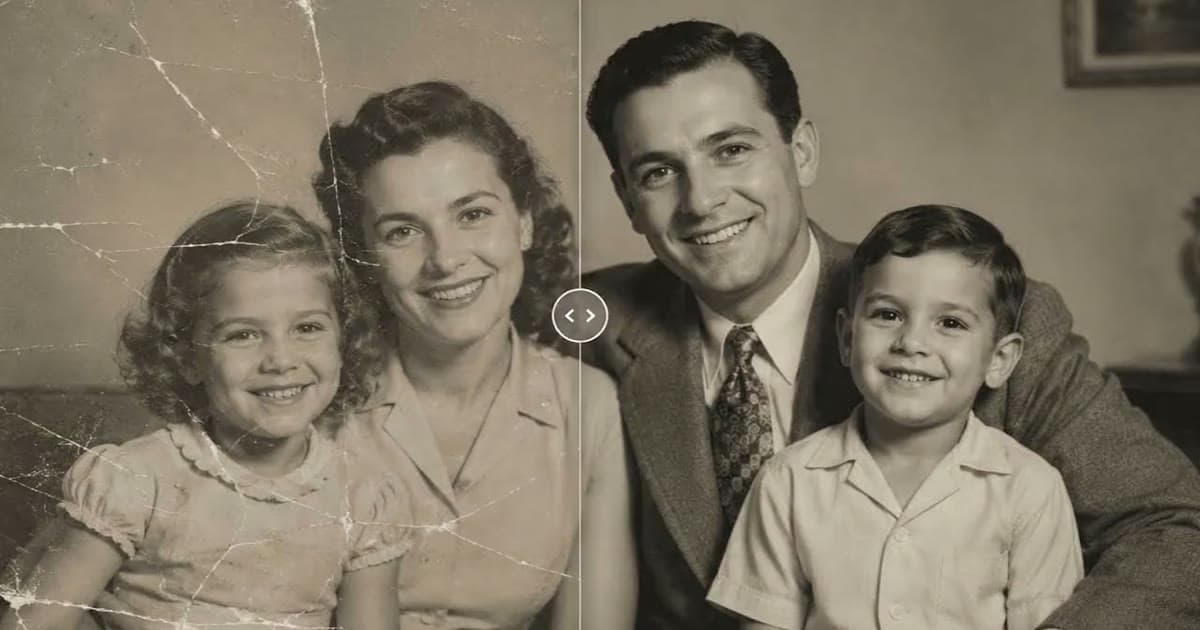
Photold's Restore lists water and chemical stains among the damage it repairs, along with creases and tears, and it keeps the photo's palette. Results vary with the source, so compare the result with your untouched copy, especially around faces. Where the marks are more like rips or missing patches, how to fix torn and creased photos goes into what AI rebuilds well and badly, and how to restore old photos covers the process from scan to backup.
Protect the rest of the collection
Once the emergency is over, move what survived out of harm's way. The US National Archives says to keep relative humidity below 65% to prevent mold and to avoid damp basements and garages. The Library of Congress advises 30 to 50%. Our guide to preserving old family photos has the rest.
Then deal with the risk that caught you out. The Library of Congress suggests at least two copies of your scans, on separate media, as physically far apart as practical. A backup drive in the same basement goes under with the photos. A copy at a relative's home does not.
Frequently asked questions
How long do I have to save wet photos?
The Library of Congress warns that mold can start in as little as 48 hours, and that freezing within that time may be necessary. Move quickly, but only once the area is safe.
Can you freeze wet photographs?
According to the Library of Congress, most photographs and negatives can be frozen, and a household freezer at its coldest setting is an option. Cased photographs such as daguerreotypes and ambrotypes cannot.
Should I rinse water damaged photos?
The Library of Congress guide does not tell you to rinse photographs. If a photo is valuable, ask a conservator before more water touches it.
How do I separate photos that are stuck together?
Our advice is not to force them, since a wet or softened surface can come away with the other photo. Keep the stack together and ask a conservator, especially if the photos are valuable.
Can water stains be removed from a photo?
Not from the print at home, but often from a scan of it. Photold's Restore repairs water and chemical stains on a copy. Any area where the picture itself has gone is reconstructed, not recovered.