 Photold
Bring your old photos back to life with AI
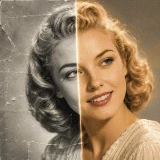
Repair scratches and tears, colorize black-and-white pictures and turn faded family photos into sharp HD memories – in seconds, right on your phone.
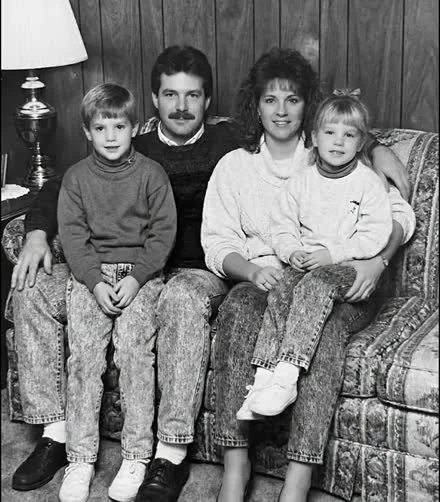
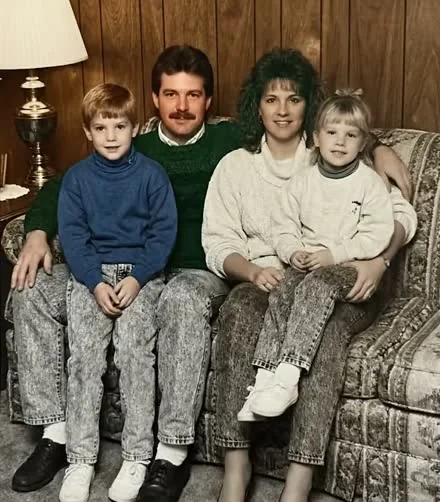
Everything your old photos need
One app for repairing, colorizing and reliving every family photo.
-
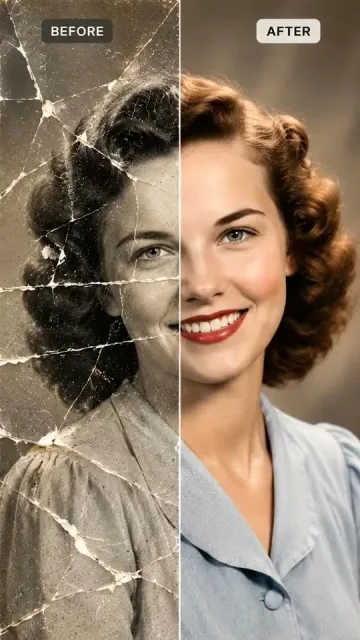
Restore photos
Remove scratches, creases, tears and stains.
-
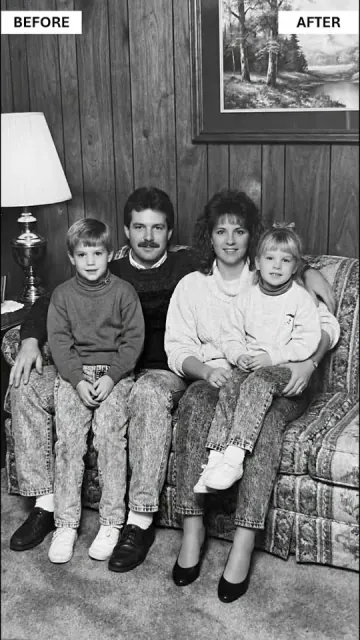
Colorize
Natural colors for black-and-white pictures.
-
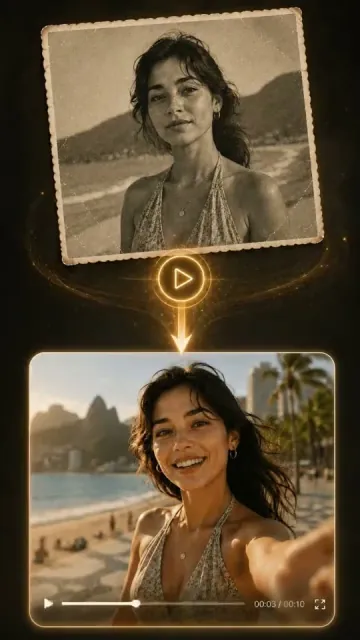
Animate
Watch a still portrait smile and move.
-
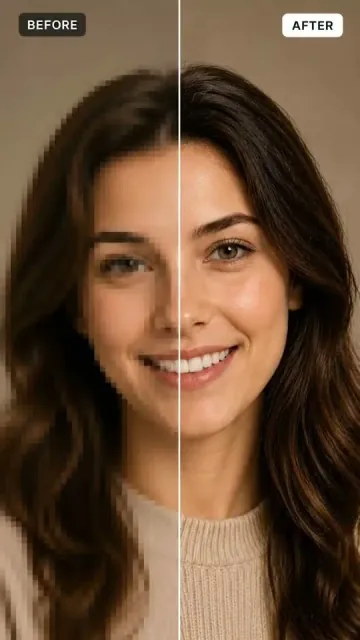
Enhance to HD
Sharp, print-ready detail from blurry scans.
-
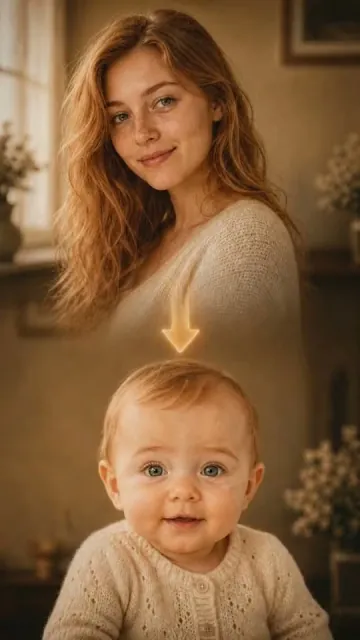
Younger you
See yourself or a loved one years younger.
-
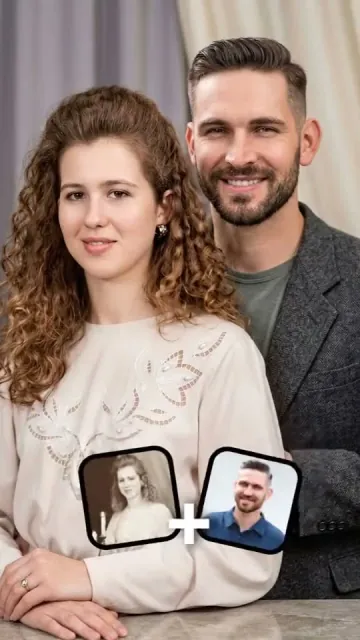
Combine photos
Bring people from two photos together.
-
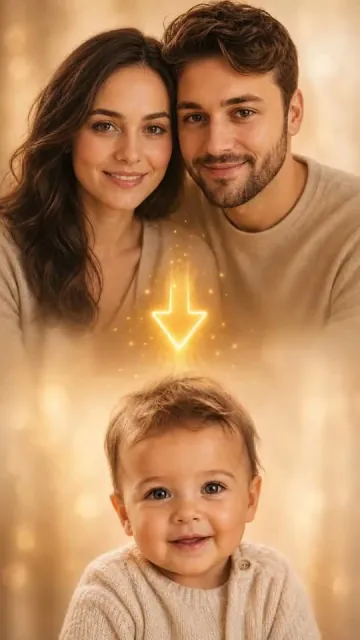
Baby predictor
See what your future baby might look like.
-
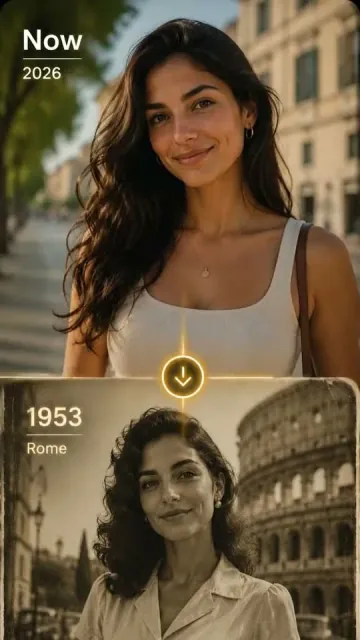
Travel in time
Step into another city and decade.
How it works
From a dusty album to a restored memory in three steps.
Scan or pick a photo
Scan prints with your camera or choose a photo from your gallery.
Choose a tool
Restore, colorize, enhance or animate – the AI does the work in seconds.
Save, share or print
Keep the result in HD and share it with your family.
Questions
Can Photold fix scratched, torn or faded photos?
Yes. Restore repairs scratches, dust, creases, tears, tape marks and water stains, and brings back detail in faded shadows and highlights, while keeping the original colors and every face as they were.
How do I colorize a black-and-white photo?
Scan or pick the photo in Photold and choose Colorize. The AI adds natural, era-appropriate colors and keeps each person's real skin tone.
Will the people in my photo still look like themselves?
That is the point of Photold. Every tool is built to keep faces, expressions and features recognisable: it repairs and recolors the photo instead of inventing a new face.
Is Photold free?
Photold is free to download on iPhone and Android. The AI tools are part of a Photold Pro plan.
Can I print my restored photos?
Yes. Enhance turns photos into sharp HD images that are ready to print, frame or share.
Your memories deserve a second life
Answer a few quick questions and start restoring your first photo.
Let's get started